Dynotch

Your MacBook’s notch,
put to work.

Music, files, your calendar, a focus timer and more, one hover away. Native, free and open source.

Version 1.4.1. Needs macOS 14 or later.

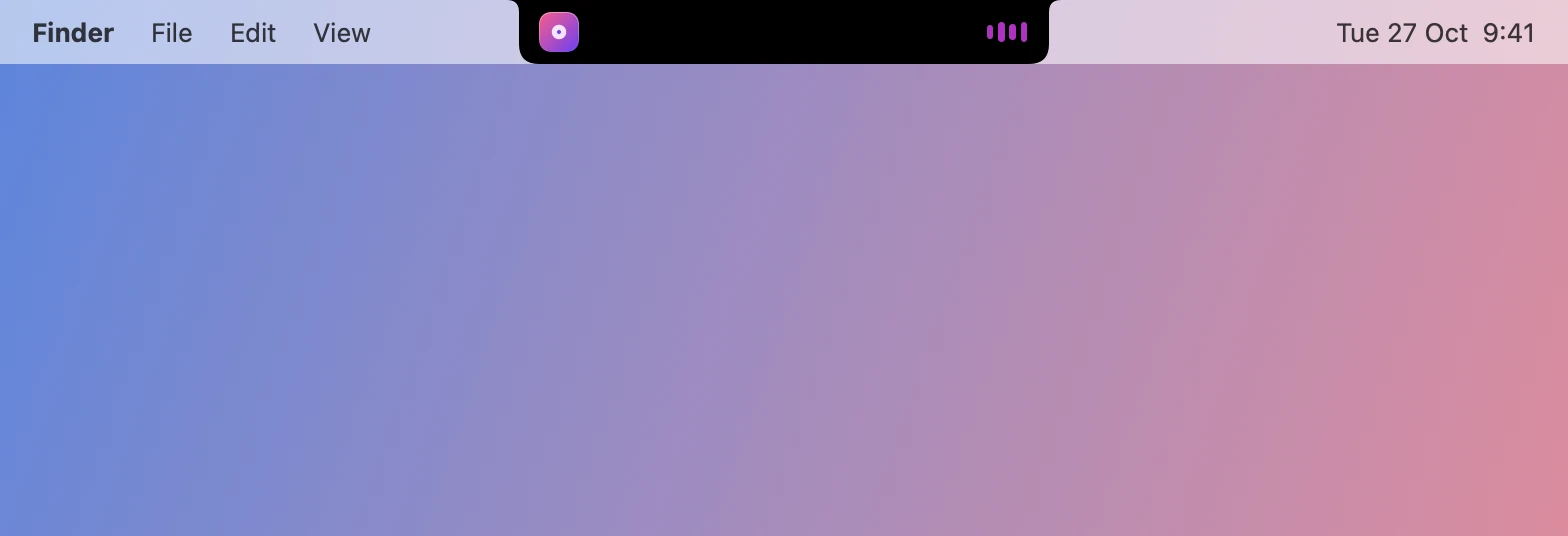
The closed notch, with album art and an equalizer either side of the camera.
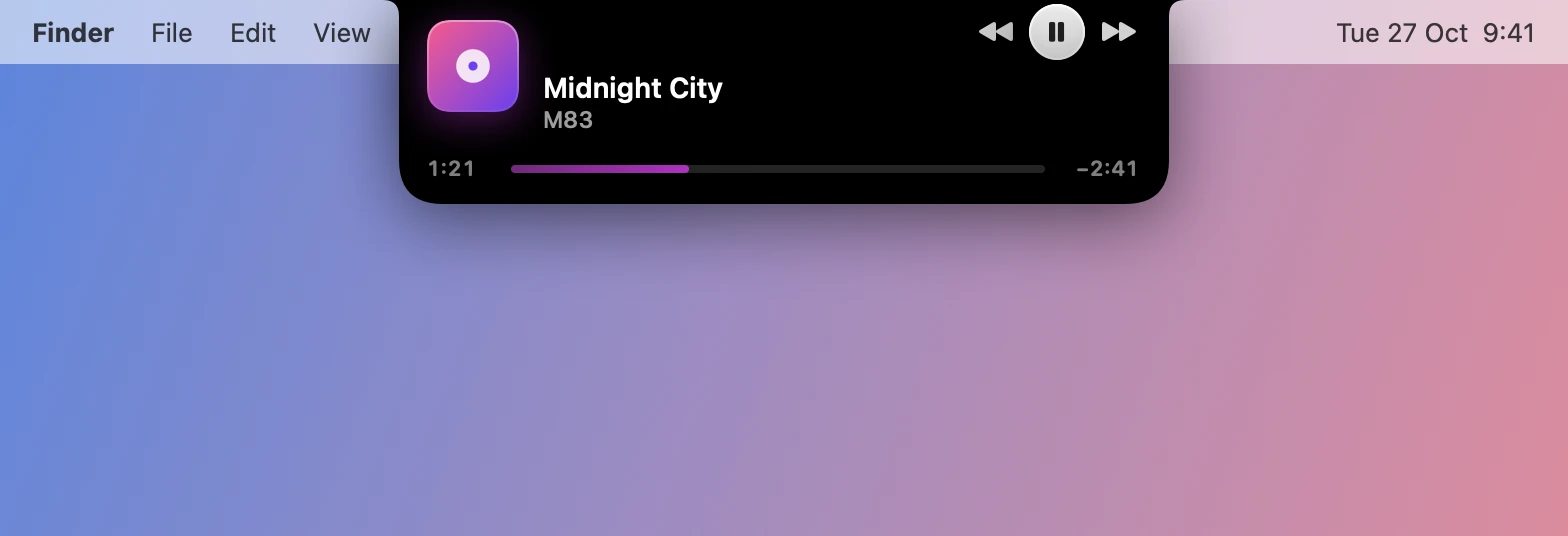
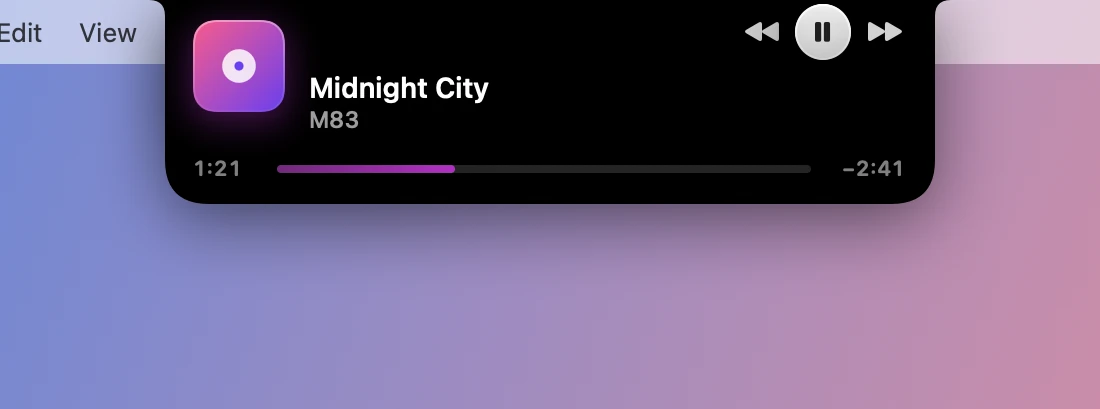
The glance: the track, a scrubber, and play and skip buttons.
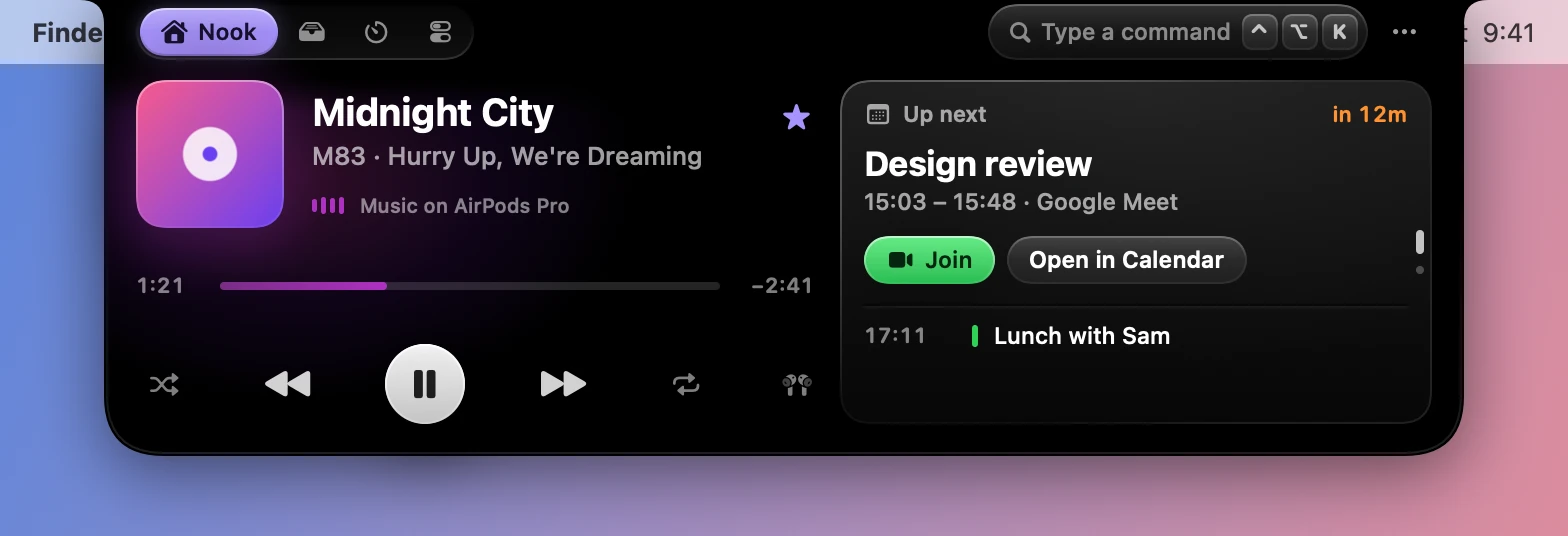
The open notch on the Nook tab: the music player beside the next calendar event.
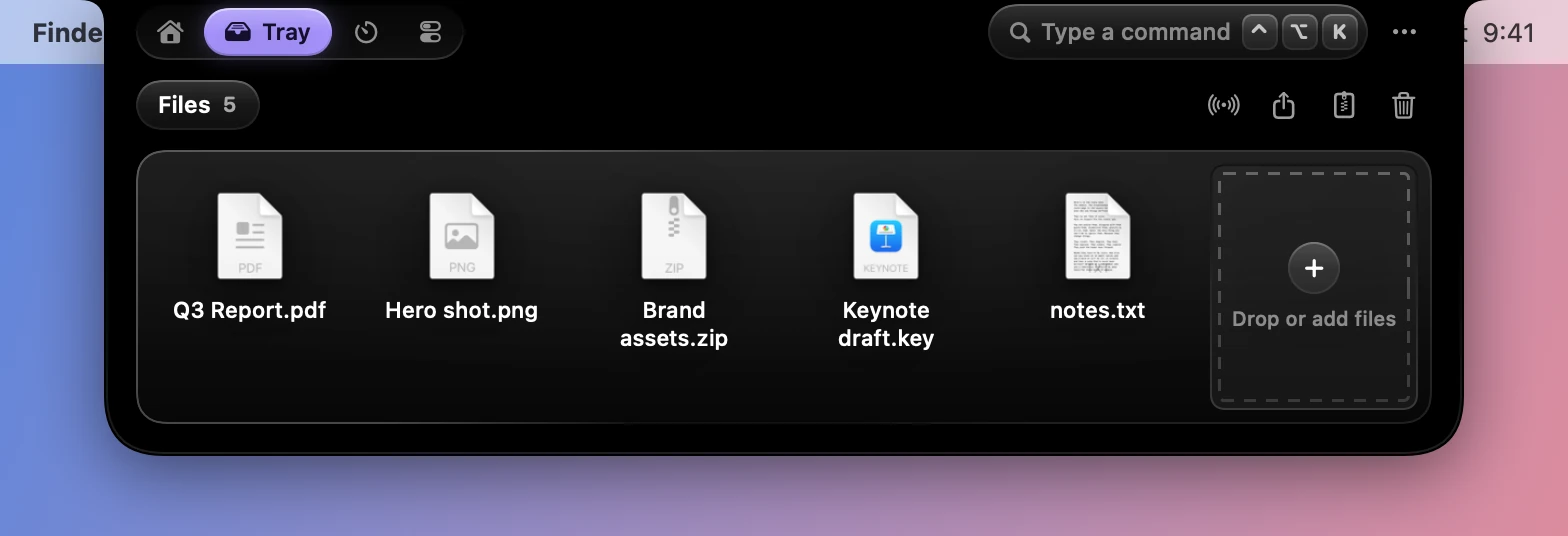
The Tray tab: a shelf of files with a tile for adding more.
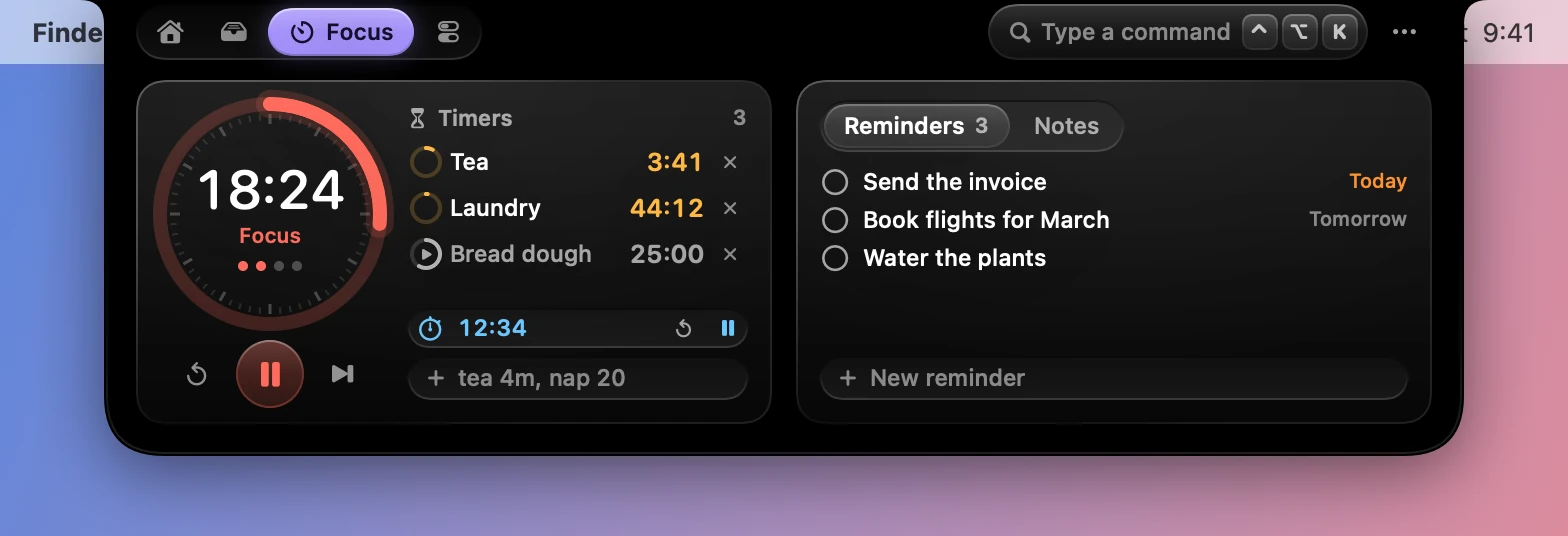
The Focus tab: a Pomodoro dial, named timers and reminders.
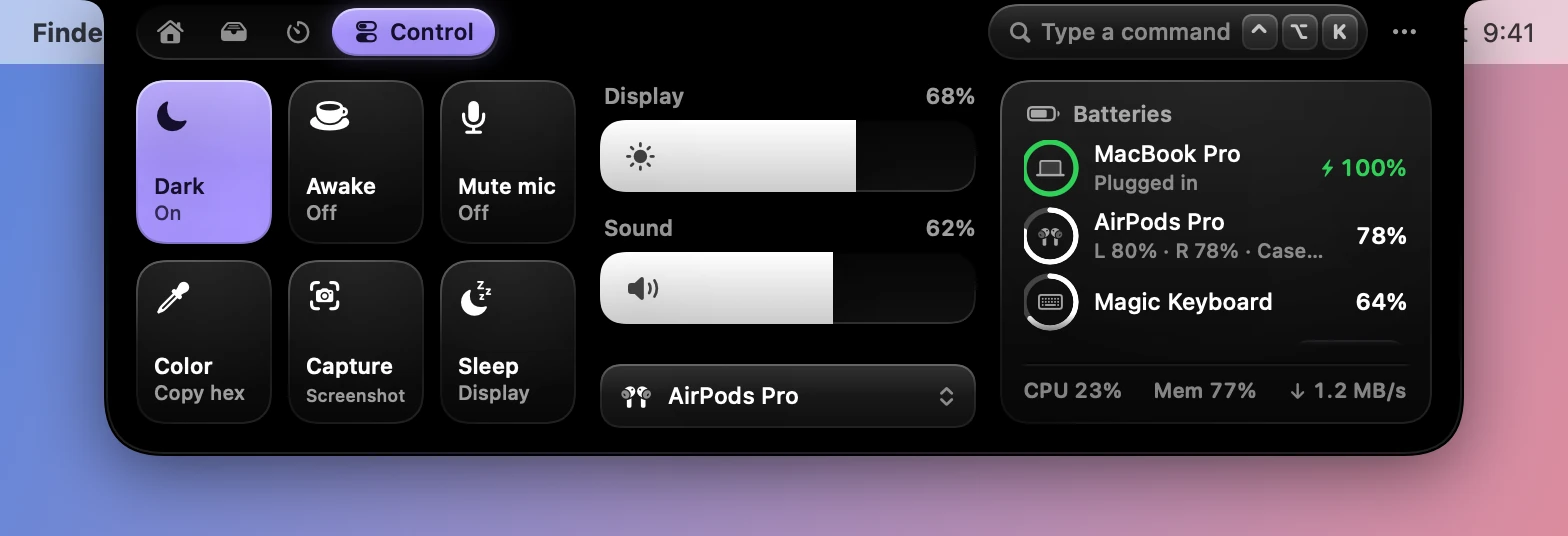
The Control tab: toggle tiles, display and sound sliders, and battery rings.
The open notch on the Nook tab: the music player beside the next calendar event.
The Tray tab: a shelf of files with a tile for adding more.
The Focus tab: a Pomodoro dial, named timers and reminders.
The Control tab: toggle tiles, display and sound sliders, and battery rings.

Your music, and a stack of widgets beside it.

Three sizes of the same notch.

It stays out of the way until you want it, and it only grows as far as you ask.

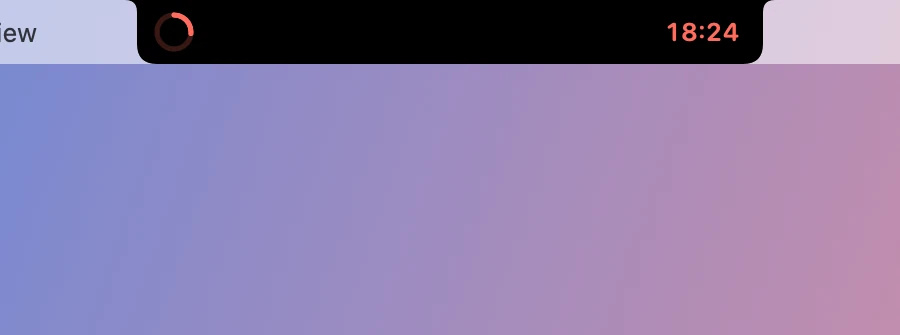
The closed notch counting down a focus timer.

Closed

Live activities sit beside the camera: what’s playing, a timer, a download’s ring, who just wrote.

The glance on a track, with play and skip buttons.

Glance

Rest the pointer on the notch to see what’s live, with a control or two.
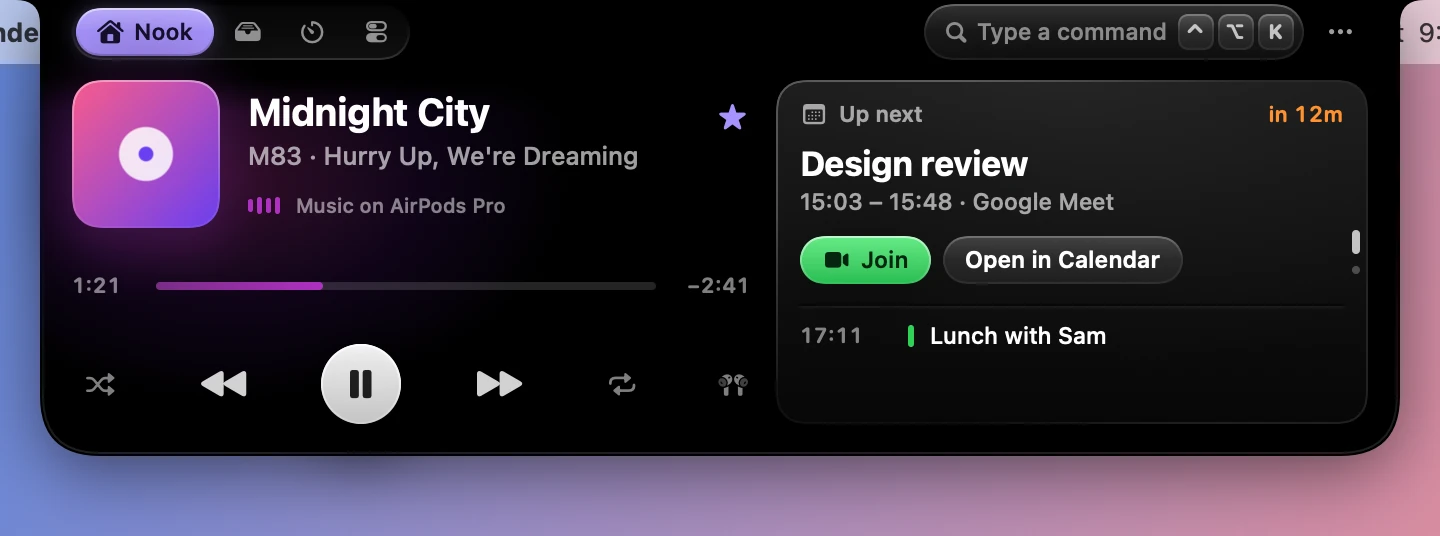
The open notch on the Nook tab.

Open

Click, swipe down or press Control Option N for all four tabs. Swipe up, click away or move off it to close it.

Say it in a few keys.

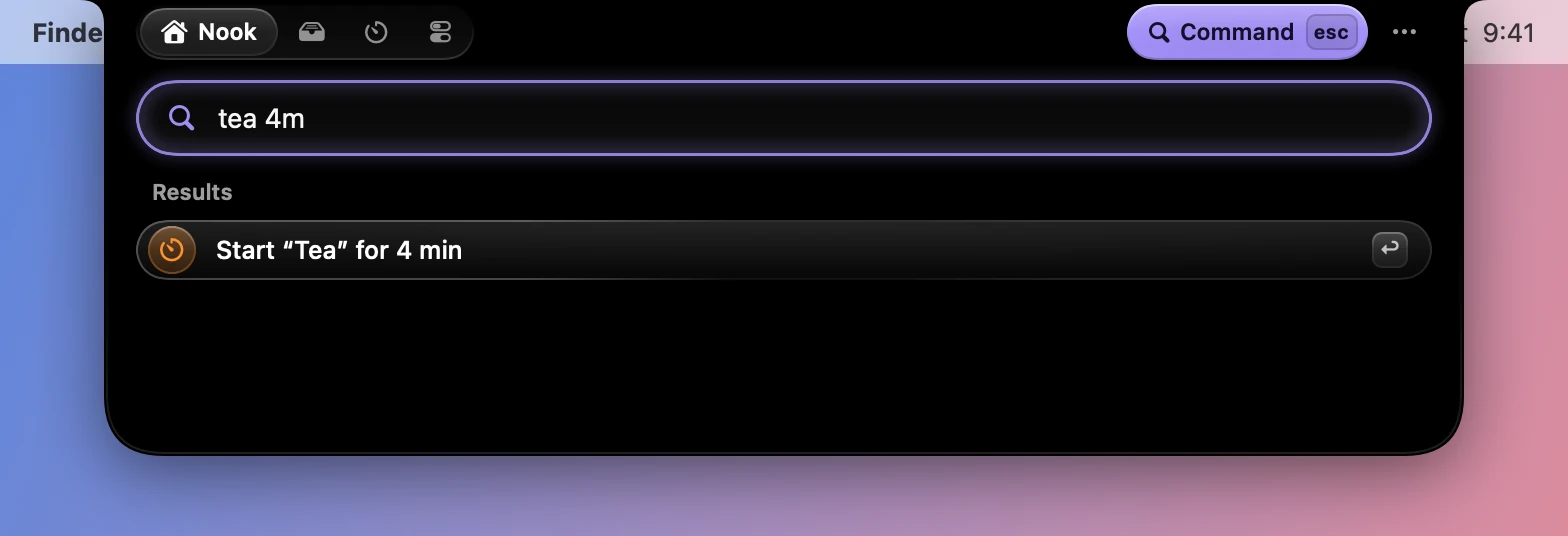
Press Control Option K anywhere and type. Timers, notes, reminders, toggles and sums all start in the same field.
tea 4mnote Buy coffeeremind Call Sam 5pm18% of 2405 km to midark
Everything the field understands
The command field with tea 4m typed in, offering to start a four minute timer.
dynotch notify "Done" \
  --detail "make test · 2m 14s" \
  --symbol checkmark.circle.fill \
  --tint green
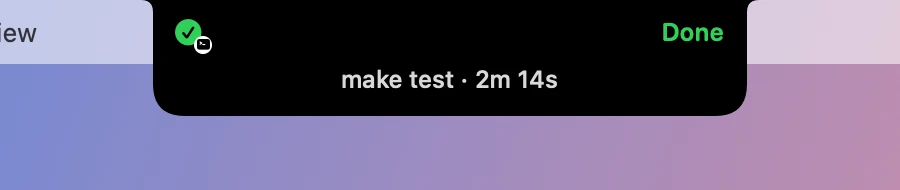
The closed notch showing Done, make test, 2 minutes 14 seconds, with a small terminal badge.

Let your scripts use it too.

The dynotch command and dynotch:// links show notices, open tabs, run the timer, fill the Tray and switch profiles.

Read about scripting

Find your way around.

Put yours to work.

Download for Mac

Try

InstallDownload the disk image, drag Dynotch to Applications and open it.Get startedCommand fieldTimers, notes, reminders, toggles and sums, all from one field.The notchShortcuts and gesturesEvery key and swipe Dynotch knows.Make it yoursThe dynotch commandDrive the notch from the shell.AutomatePermissionsEach one is asked for when a feature first needs it.Reference
Docs
Get started
The notch
Features
Make it yours
Automate
Reference
More

Theme

Download for MacChangelogGitHub