Make it yours
Settings
Every page of the Settings window, row by row.
Open Settings from the menu bar menu, or from the ··· button in the open notch’s header. Command 1 to Command 8 jump between its pages.
General
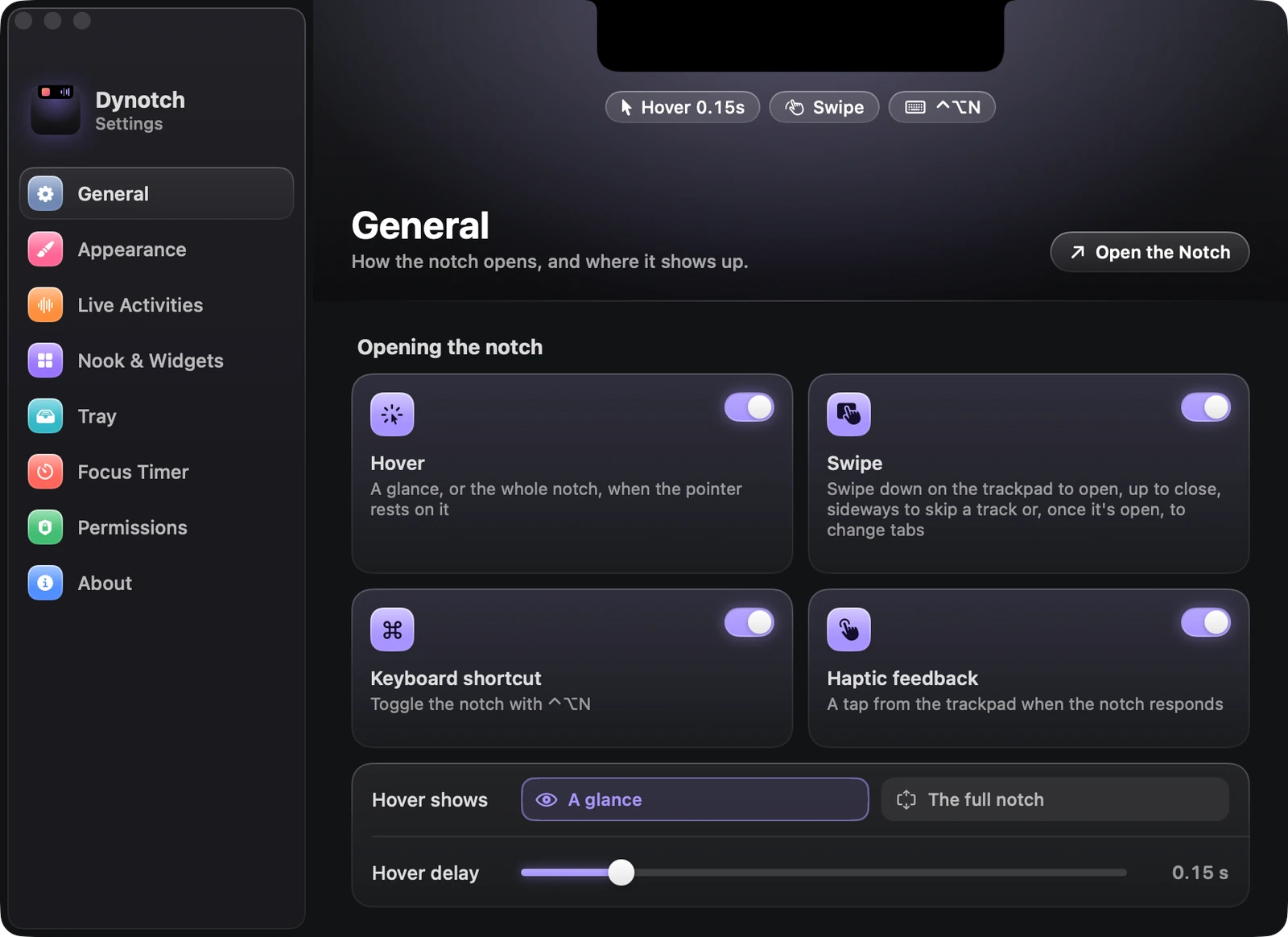
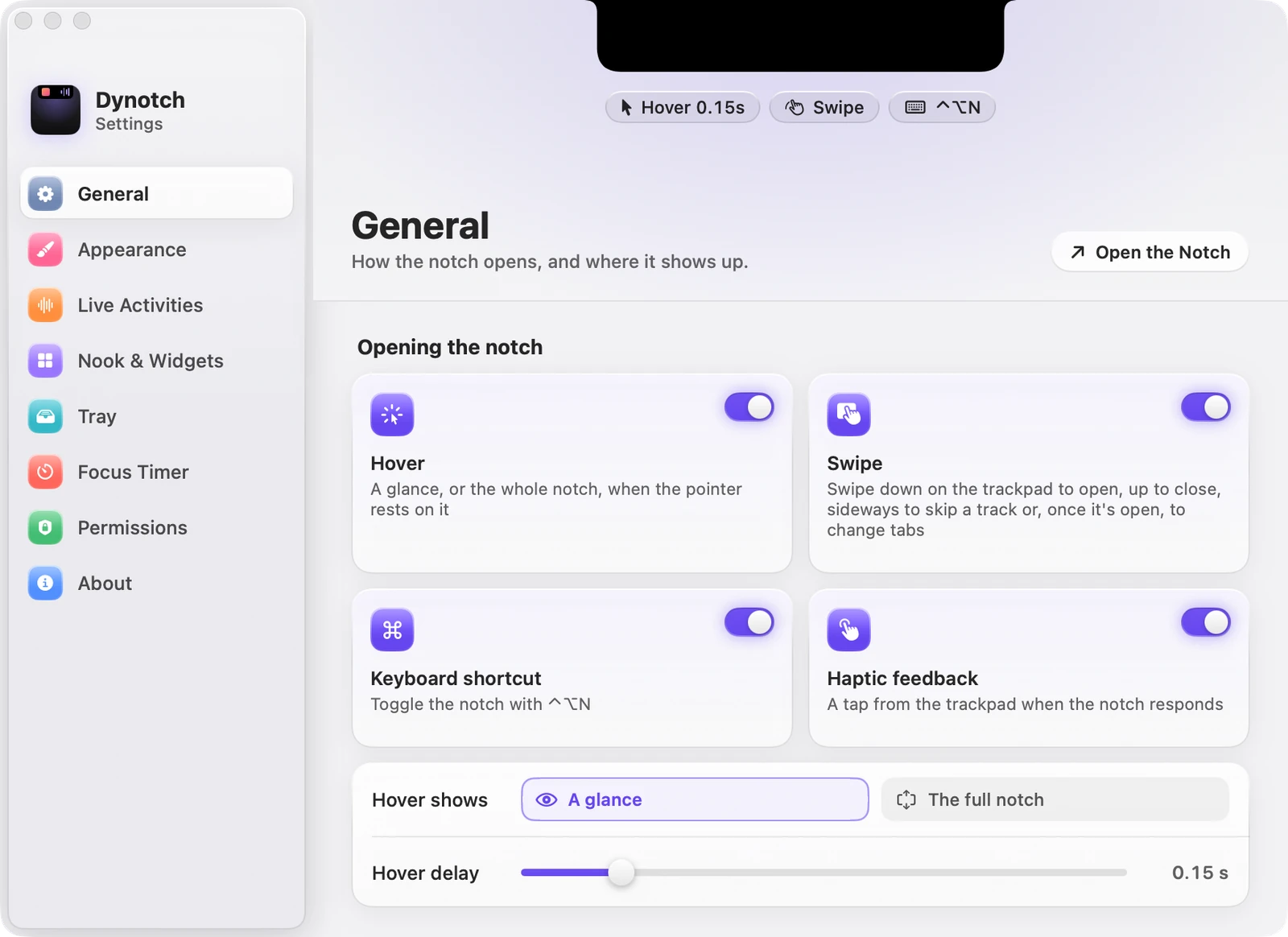
How the notch opens, and where it shows up.
| Setting | What it does | Starts as |
|---|---|---|
| Hover | A glance, or the whole notch, when the pointer rests on it | On |
| Swipe | Swipe down to open, up to close, sideways to skip a track or change tabs | On |
| Keyboard shortcut | Toggles the notch with Control Option N | On |
| Haptic feedback | A tap from the trackpad when the notch responds | On |
| Hover shows | A glance, or the full notch | A glance |
| Hover delay | From 0 to 1 second | 0.15 s |
| Open it with Control Option K | The command field, from anywhere | On |
| Show the notch on | Built-in display, Main display or All displays | Built-in display |
| Profiles | Saved setups. See Profiles | None |
| Show menu bar icon | Settings, the tray and the timer, a click away | On |
| Launch at login | Starts Dynotch when you log in. Move it to Applications first | Off |
Appearance
The size and finish of the open notch. See Appearance.
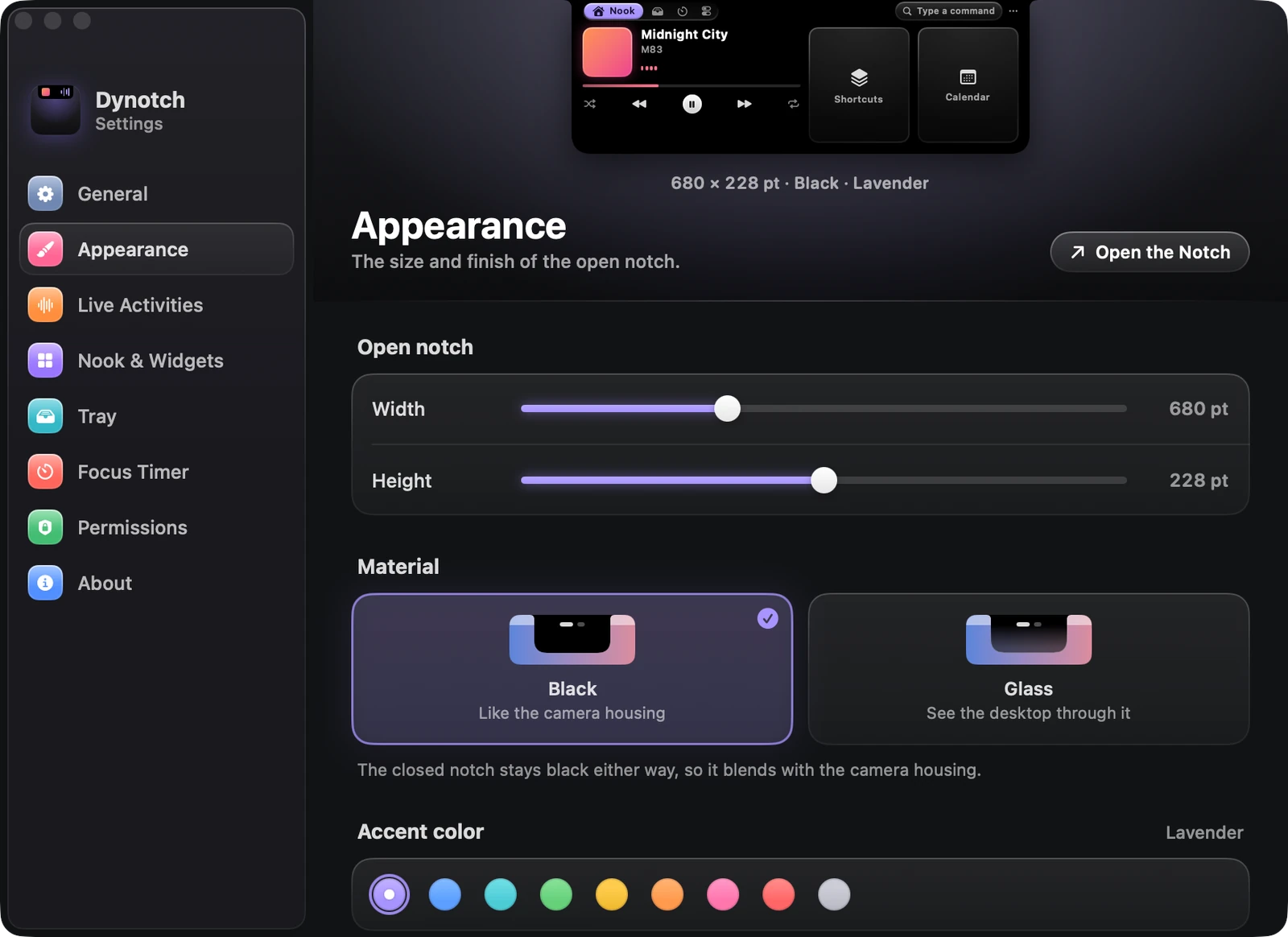
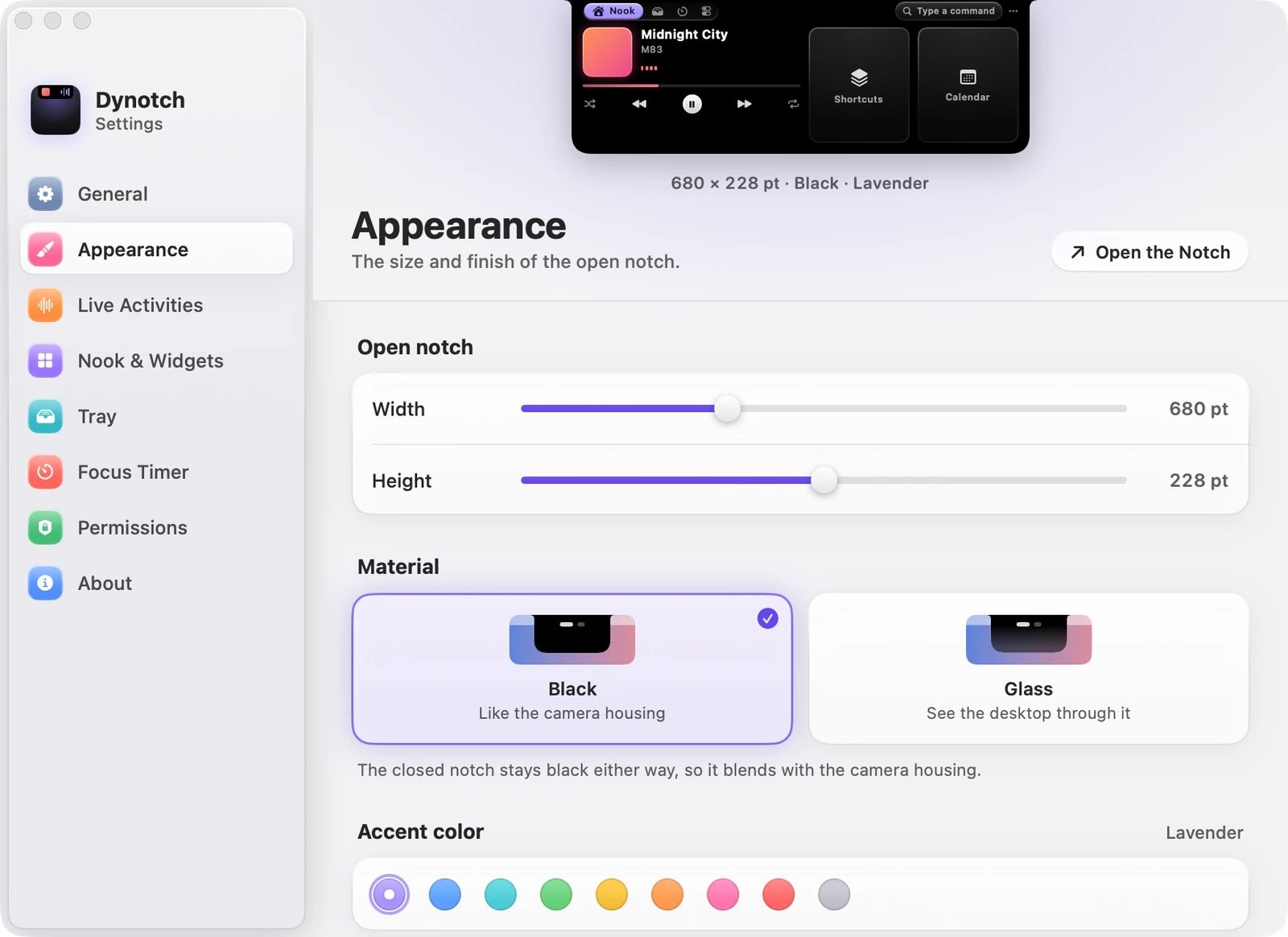
| Setting | What it does | Starts as |
|---|---|---|
| Width | 600 to 840 points | 680 pt |
| Height | 196 to 260 points | 228 pt |
| Artwork tint | Colors the player with the album art | On |
| Shadow | A soft shadow under the open notch | On |
| Virtual notch | Notch or Line, on displays without one | Notch |
| Virtual notch width | 140 to 280 points | 190 pt |
| Material | Black, or Glass on macOS 26 and later | Black |
| Accent color | Nine colors | Lavender |
| Corners, Top | 6 to 20 points | 12 pt |
| Corners, Bottom | 16 to 40 points | 30 pt |
Live Activities
What the closed notch shows beside the camera. See Live activities.
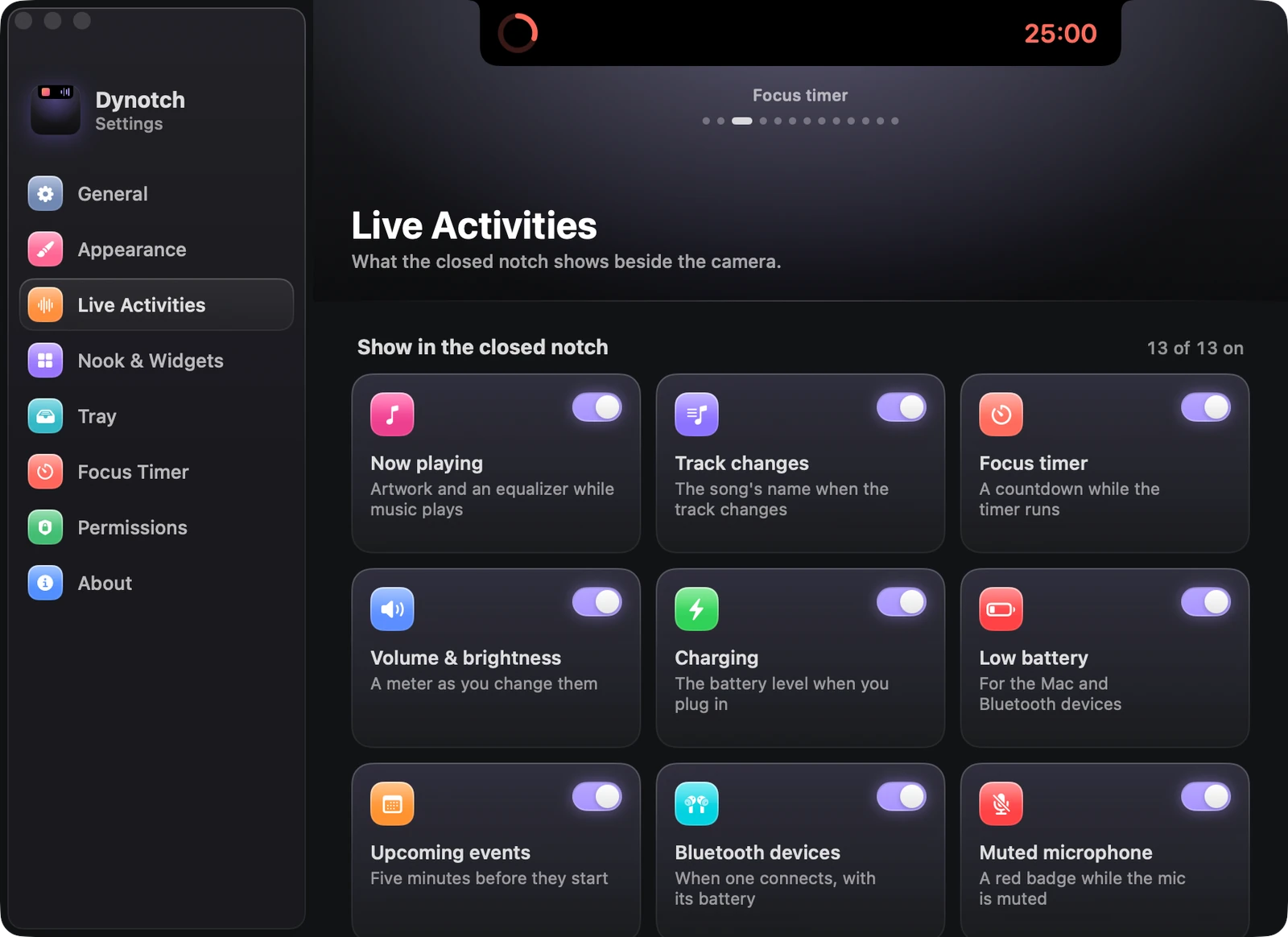
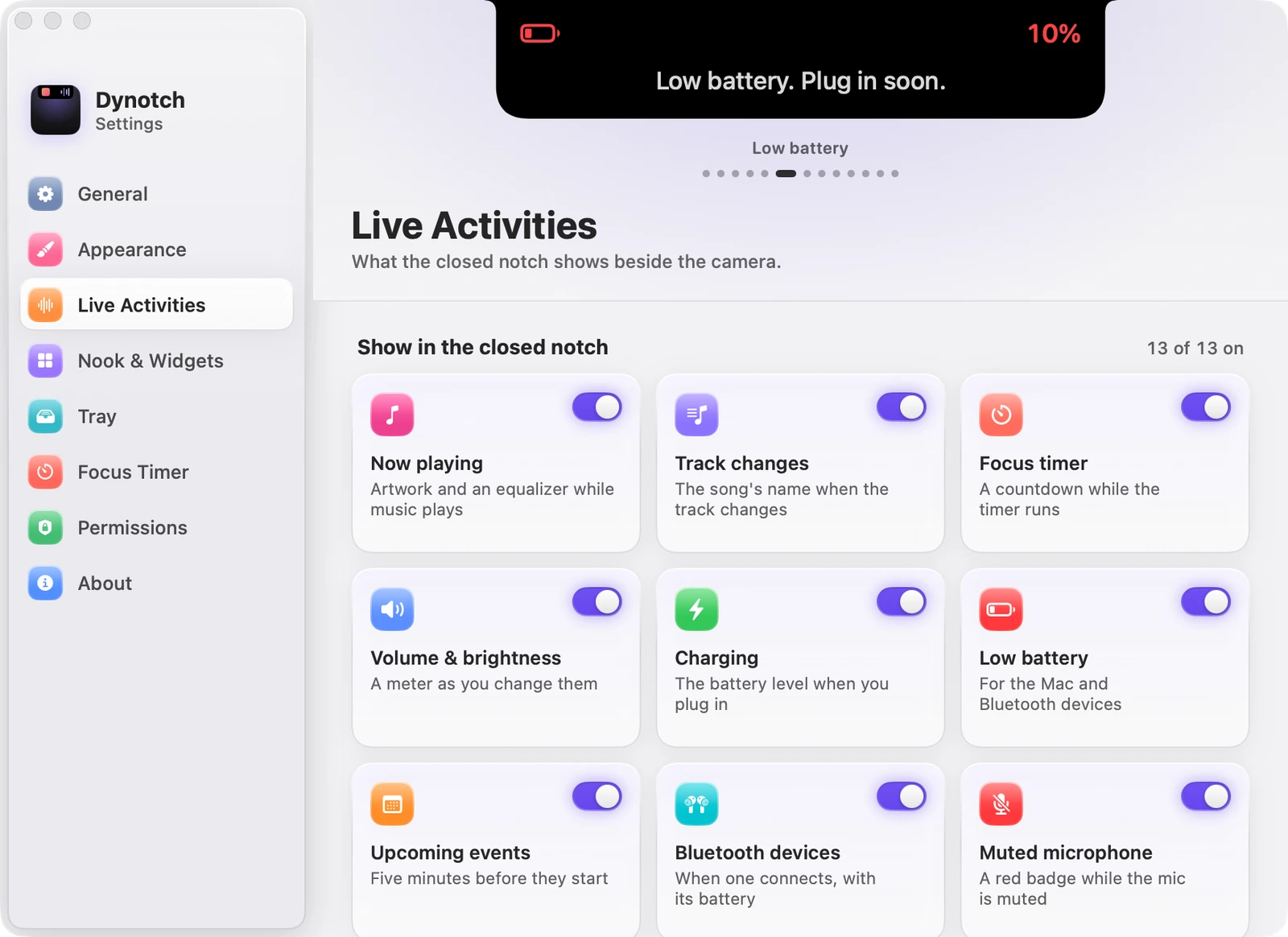
The thirteen activities each have a switch, all on to start with, and a Preview tile shows a sample in the notch. Below them:
| Setting | What it does | Starts as |
|---|---|---|
| Two at once | A second activity as a small glyph at the end of the right ear | On |
| On-air ring | A thin outline around the notch while a camera or the mic is in use | On |
| Mute shortcut | Control Option M mutes and unmutes the mic in every app | On |
| Downloads to the Tray | Puts each finished download in the Tray | Off |
| Live equalizer | Bars that follow the music | Off |
| Replace system HUD | Only Dynotch’s meter shows for the volume and brightness keys | Off |
| Hide message text | Shows only the app and who a notification is from | Off |
| Show notifications from | Which apps peek, and Other apps | All |
Nook & Widgets
Tabs, widgets and music in the open notch. See Nook.
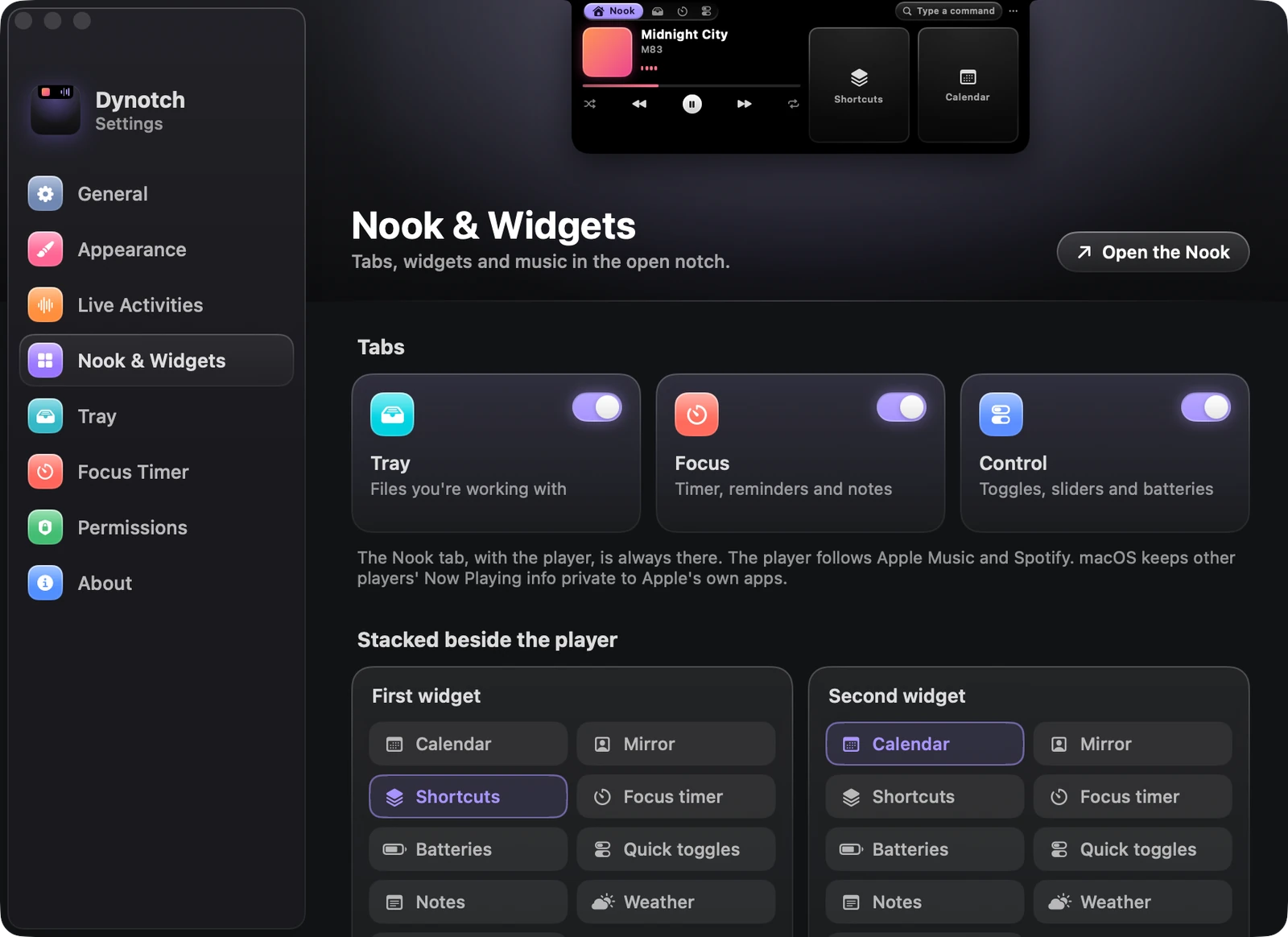
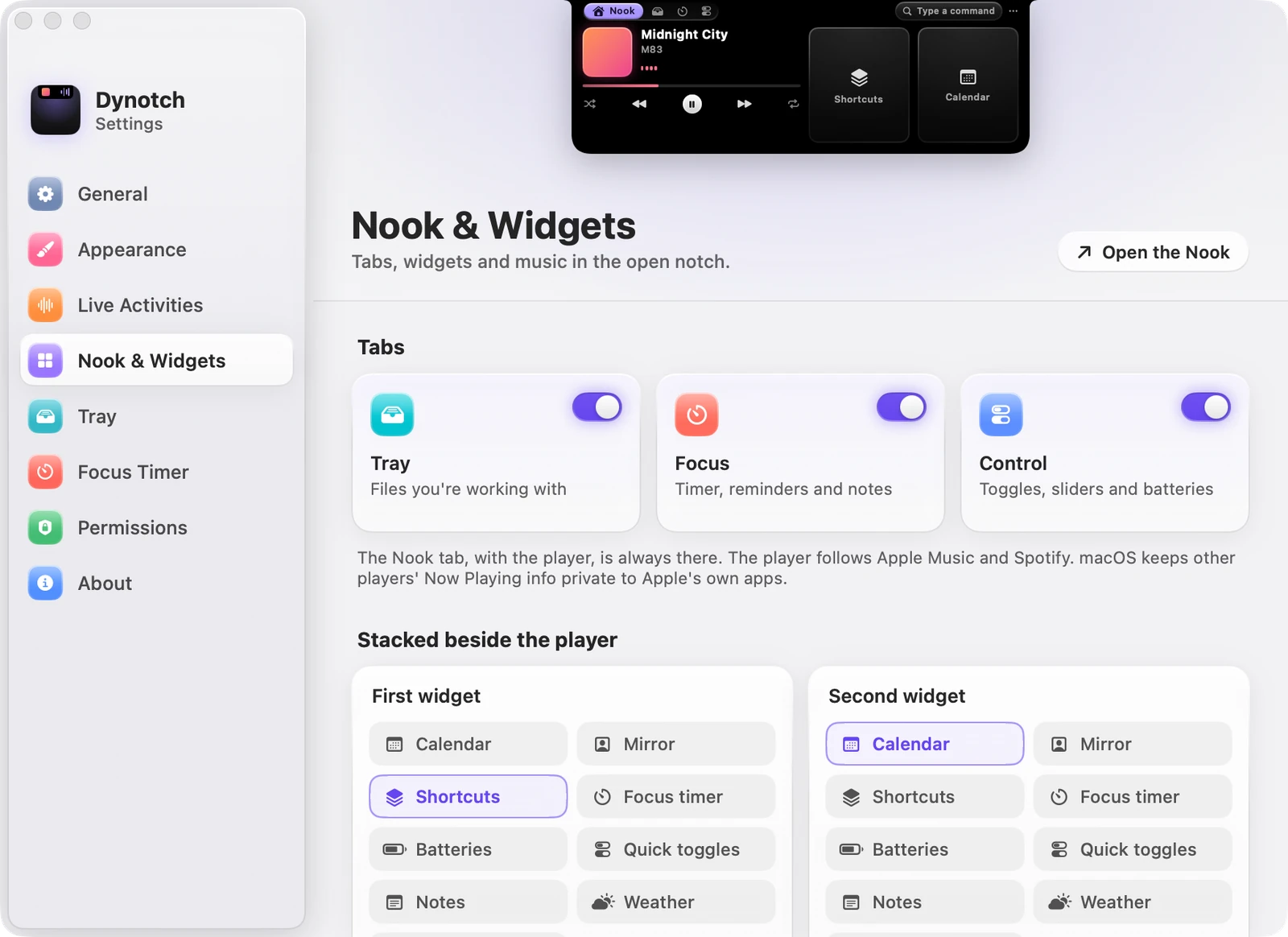
| Setting | What it does | Starts as |
|---|---|---|
| Tabs | Show or hide Tray, Focus and Control | All on |
| First widget | The first in the stack beside the player | Calendar |
| Second widget | The second in the stack | Mirror |
| Show all-day events | Lists them in the Calendar widget | On |
| Notes | Where your notes live | Dynotch’s folder |
| City | The city for the weather | None |
| Use my location | Weather where your Mac is | Off |
| Temperature | Like the system, Celsius or Fahrenheit | Like the system |
| Rain alerts | A heads-up when rain is about to start | On |
| Pinned shortcuts | Up to four, for the Shortcuts widget | None |
Tray
A shelf in the notch for the files you’re using. See Tray.
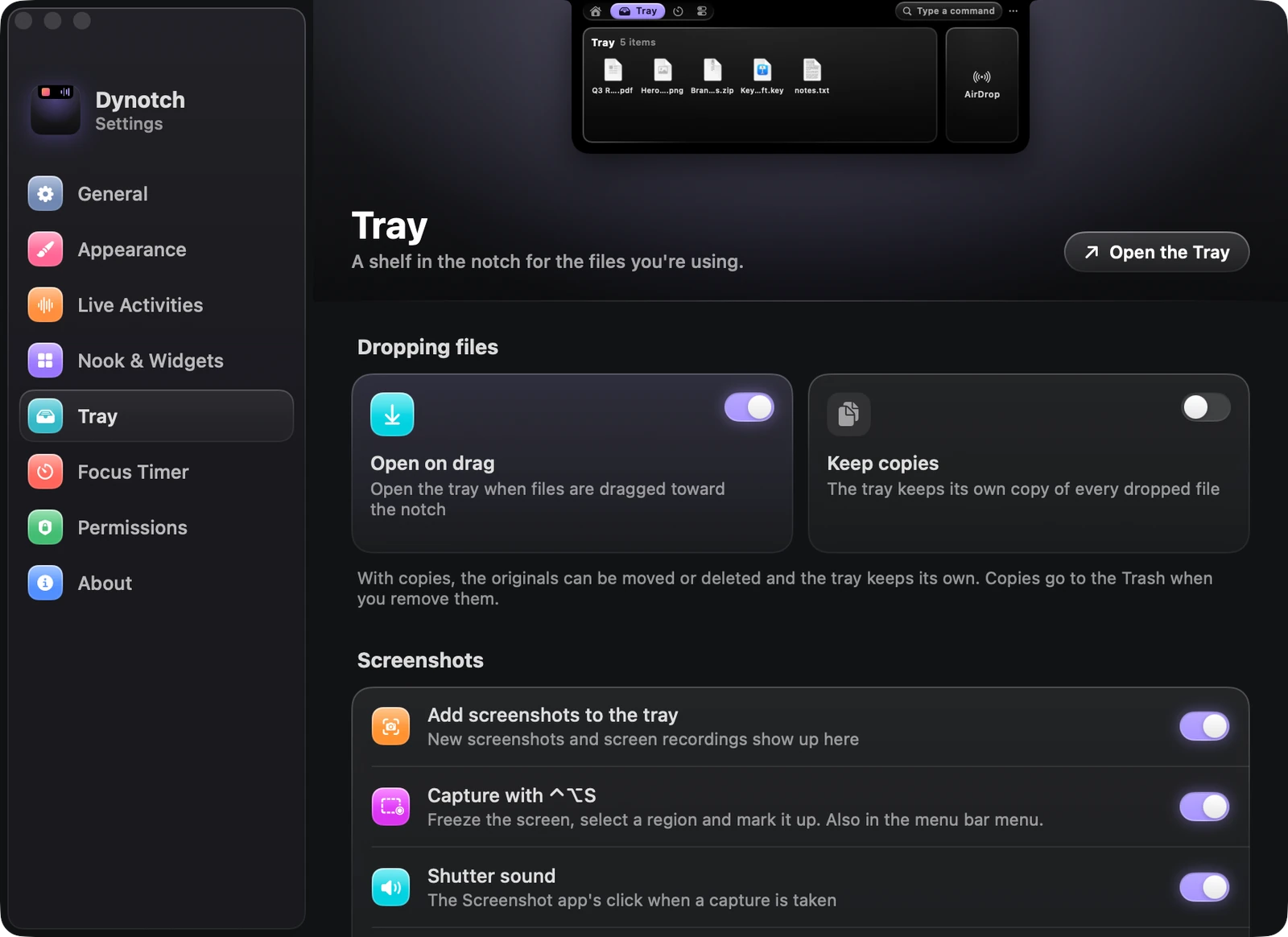
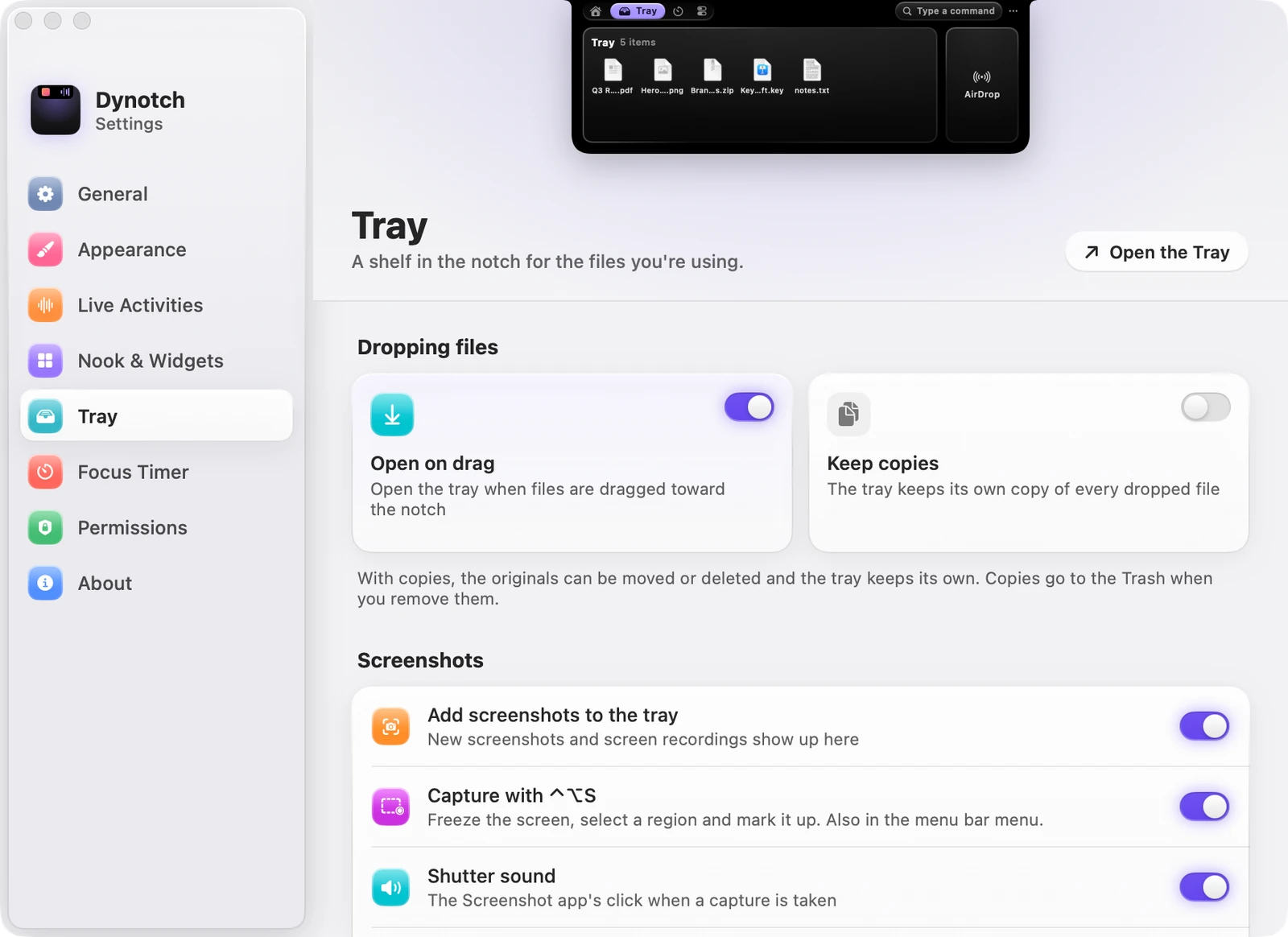
| Setting | What it does | Starts as |
|---|---|---|
| Open on drag | Opens the Tray when files are dragged toward the notch | On |
| Keep copies | Keeps a copy of every dropped file | Off |
| Add screenshots to the tray | New screenshots and screen recordings show up here | On |
| Capture with Control Option S | Freezes the screen to select a region and mark it up | On |
| Shutter sound | The Screenshot app’s click when a capture is taken | On |
| After capture | What Return does: Copy, Save or Copy and save | Copy |
Focus Timer
The rhythm of the Pomodoro timer. See Focus.
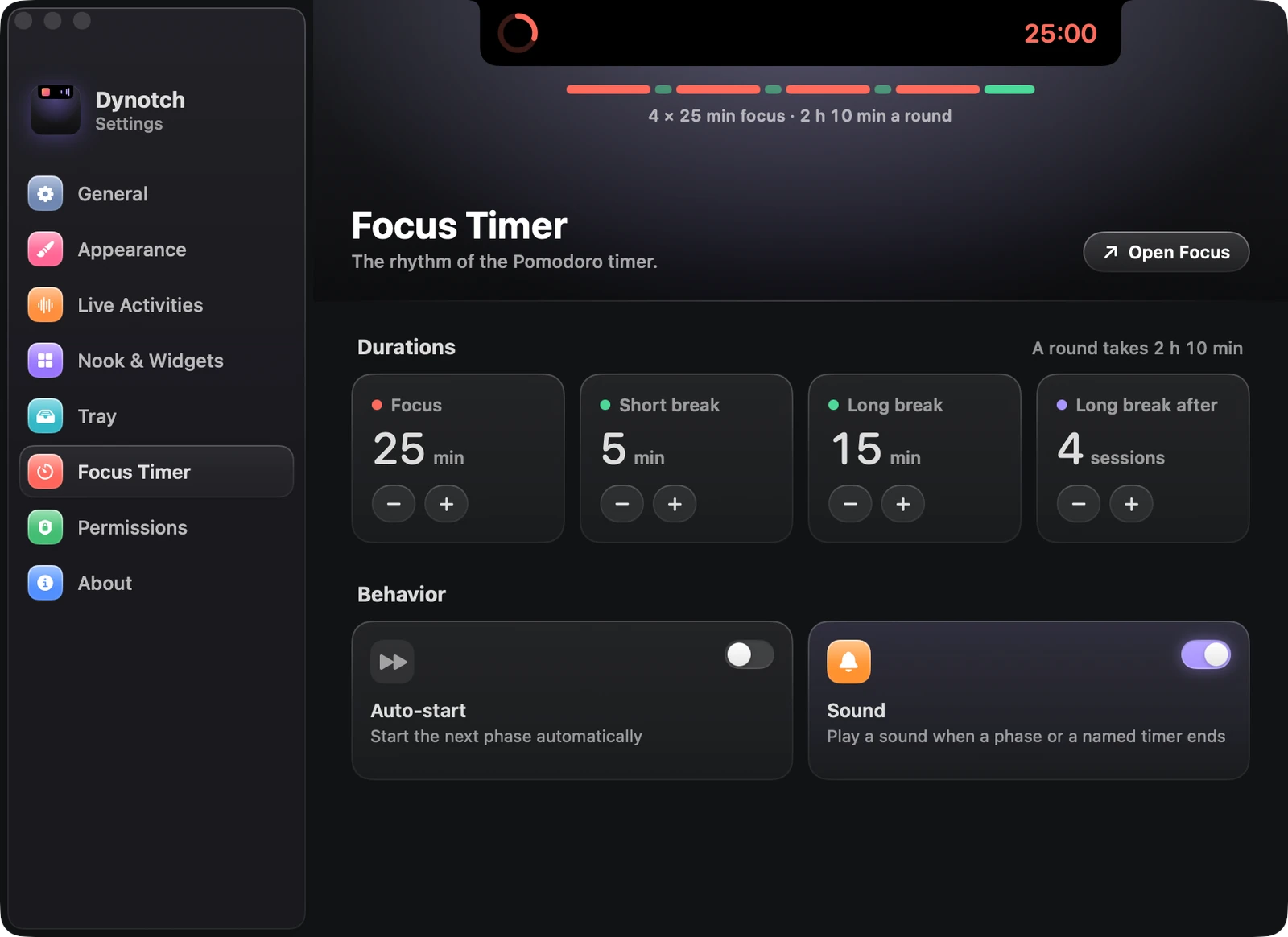
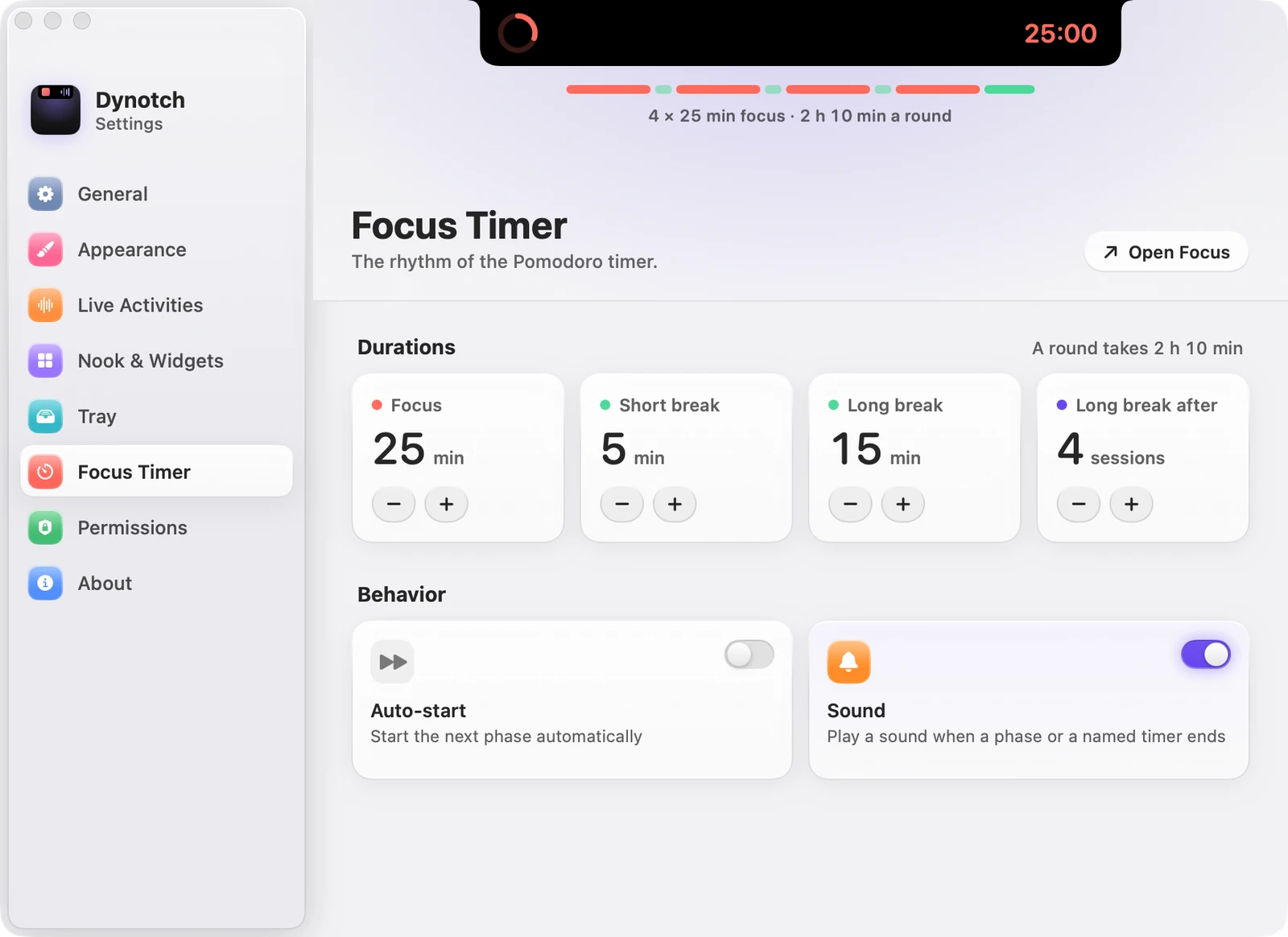
| Setting | What it does | Starts as |
|---|---|---|
| Focus | 5 to 120 minutes | 25 min |
| Short break | 1 to 30 minutes | 5 min |
| Long break | 5 to 60 minutes | 15 min |
| Long break after | 2 to 8 sessions | 4 sessions |
| Auto-start | Starts the next phase automatically | Off |
| Sound | Plays a sound when a phase or a named timer ends | On |
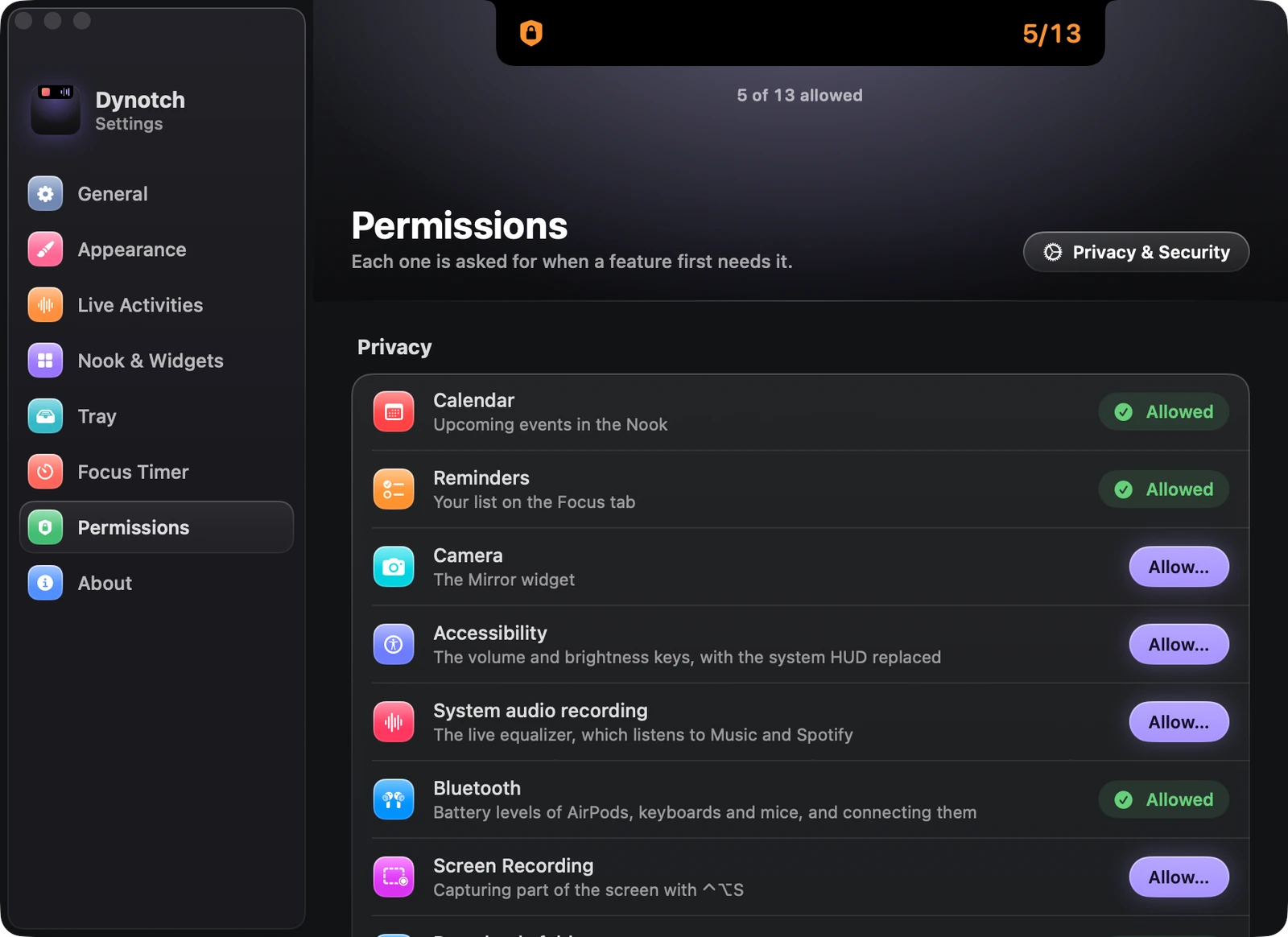
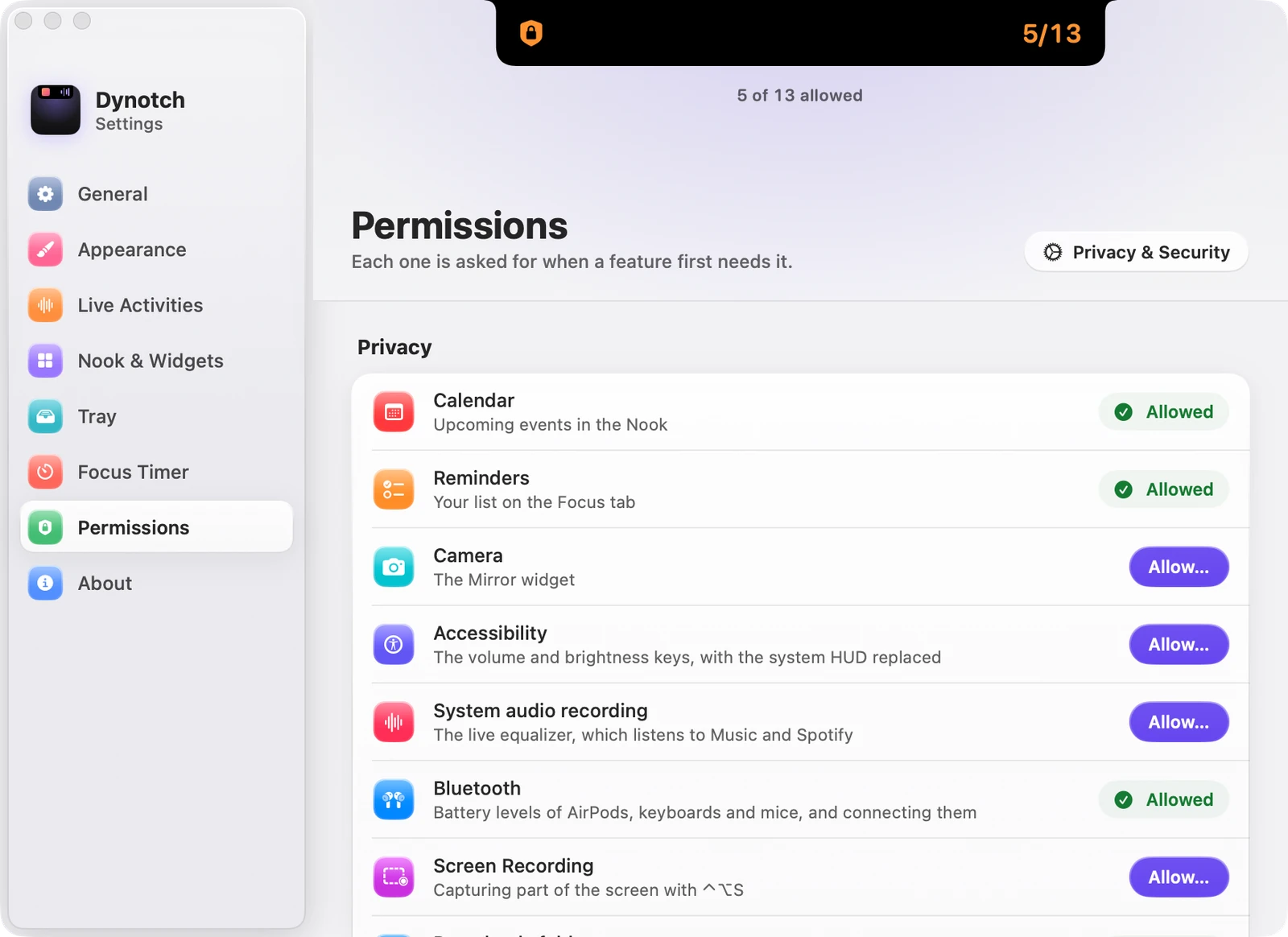
Permissions
Each one is asked for when a feature first needs it. This page shows the status of each, with a button to allow it. See Permissions.
About
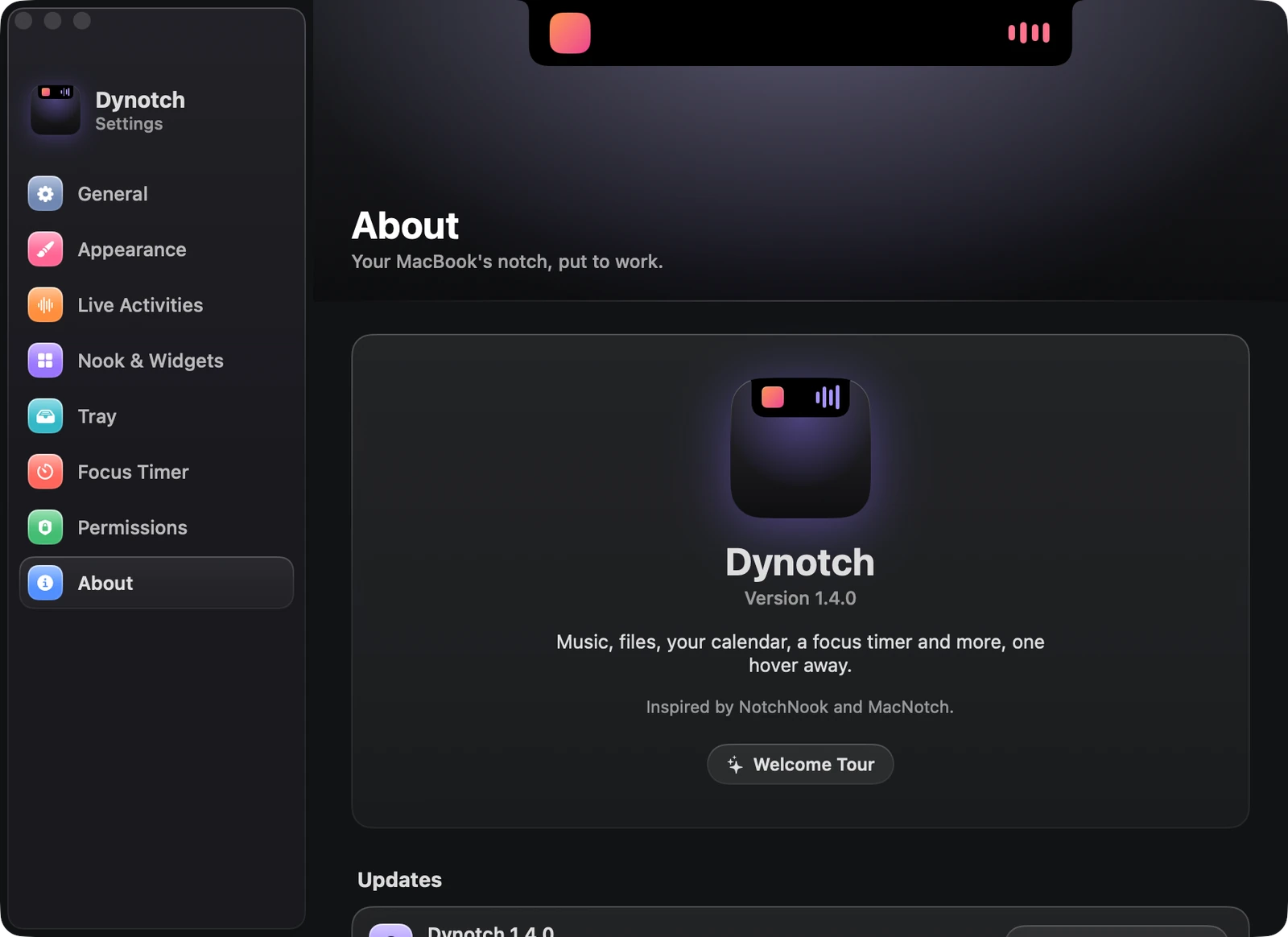
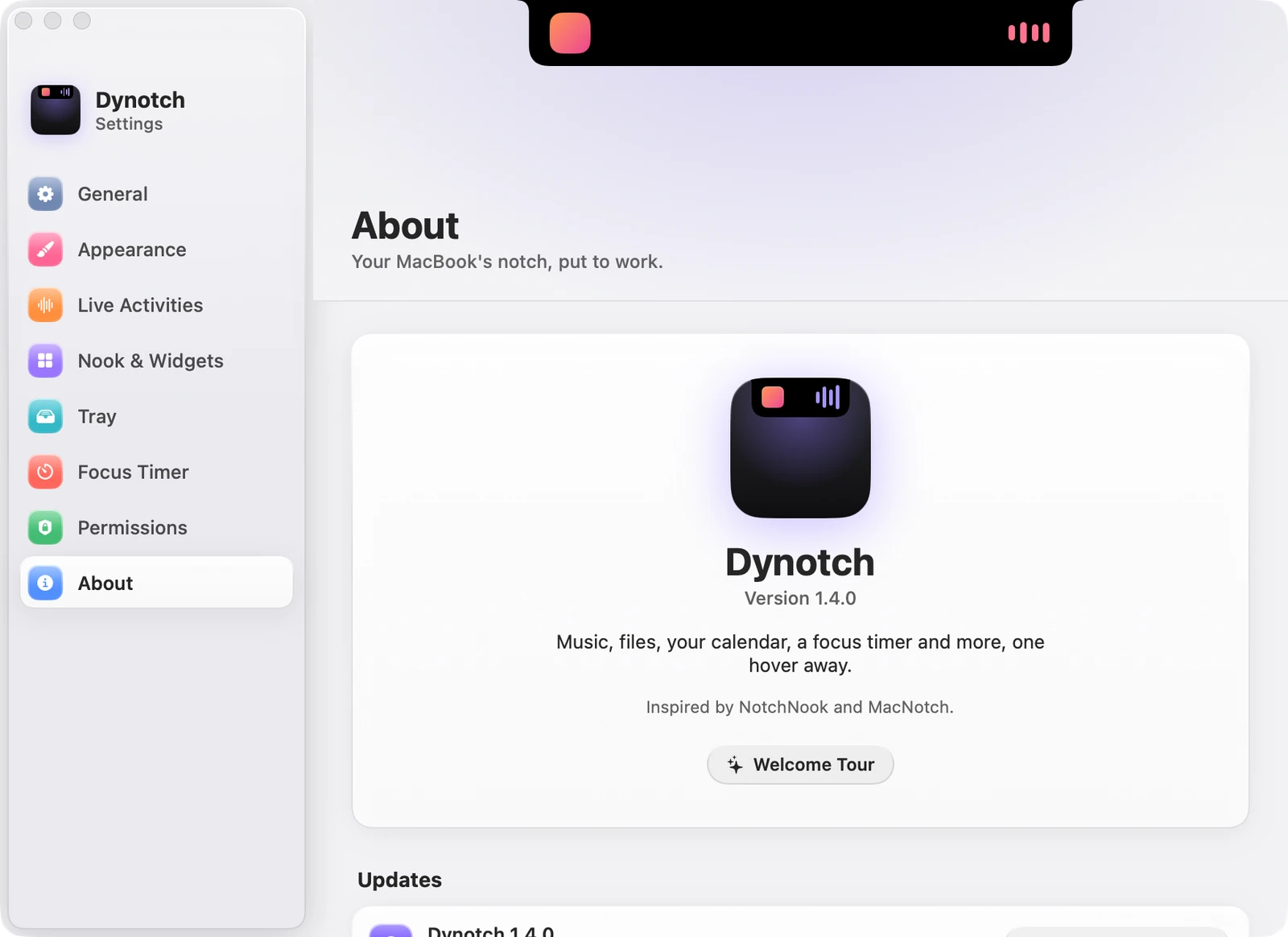
The version, the Welcome Tour button, and:
| Card | What it does |
|---|---|
| Updates | Check automatically, which starts on, and Install and Relaunch |
| Keyboard | The main keyboard shortcuts. Shortcuts and gestures has them all |
| Diagnostics | Saves a Focus report, for when the notch shows the wrong Focus |