The notch
Control
Toggles, sliders, batteries and the system at a glance.
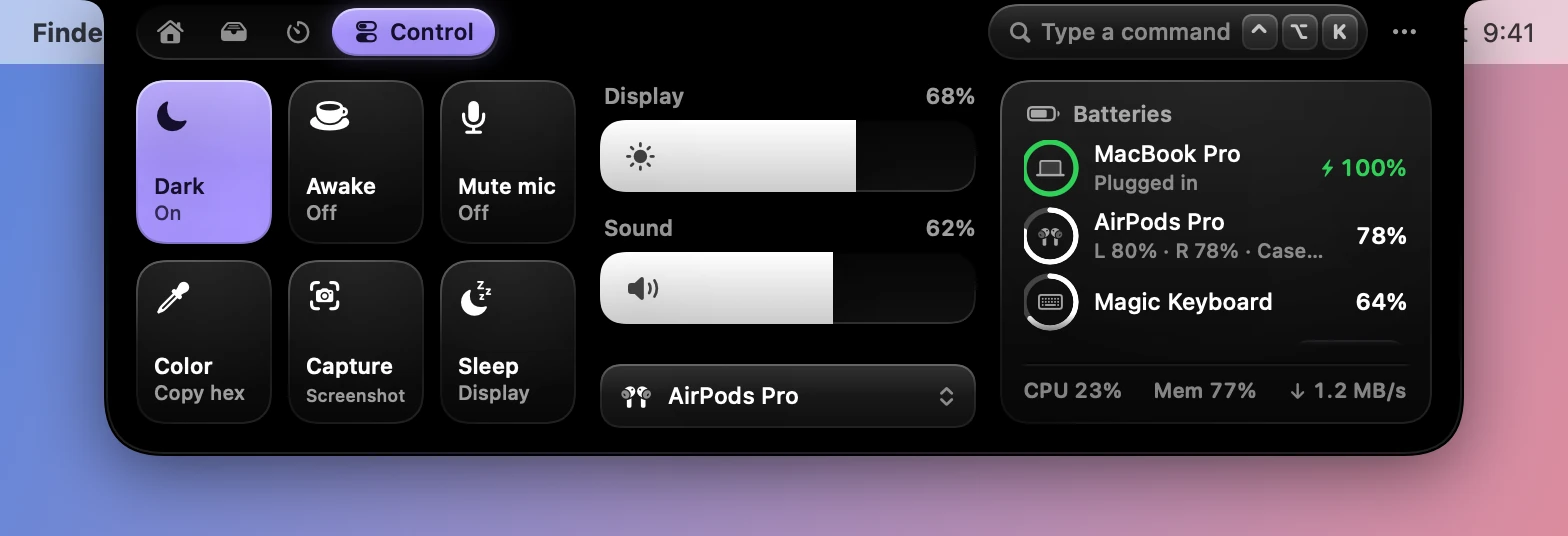
Toggles
| Tile | What it does |
|---|---|
| Dark | Flips Dark Mode |
| Awake | Keeps the display awake |
| Mute mic | Mutes the microphone in every app |
| Color | Picks a color from the screen and copies its hex code |
| Capture | Starts Dynotch’s own capture |
| Sleep | Sleeps the display |
The Dark tile needs permission to automate System Events. macOS asks the first time.
Display and sound
Wide sliders set the built-in display’s brightness and the volume, each with its percentage. The volume has a mute button, and under it a menu of the Mac’s outputs.
The brightness slider uses a private framework, so it isn’t shown on a Mac where that’s unavailable.
Batteries
Rings show the Mac, AirPods (each bud and the case), keyboards, mice and more. Paired devices that aren’t connected are listed underneath, headphones first, each with a Connect button. The card scrolls when there are more than fit. Right-click a connected device to disconnect it.
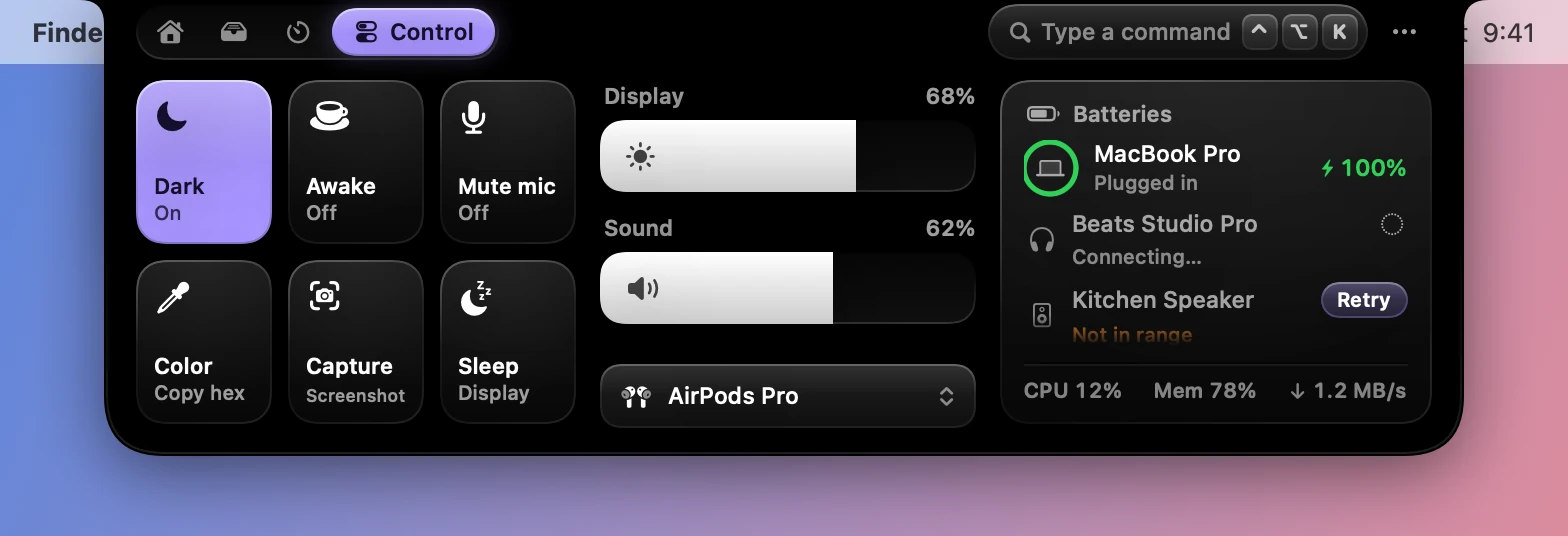
The system line
CPU, memory and download speed run along the bottom of the batteries card. Point at it for disk space and the upload speed. It only samples while the tab is open.