The notch
Focus
A Pomodoro timer, named timers, your reminders and your notes.
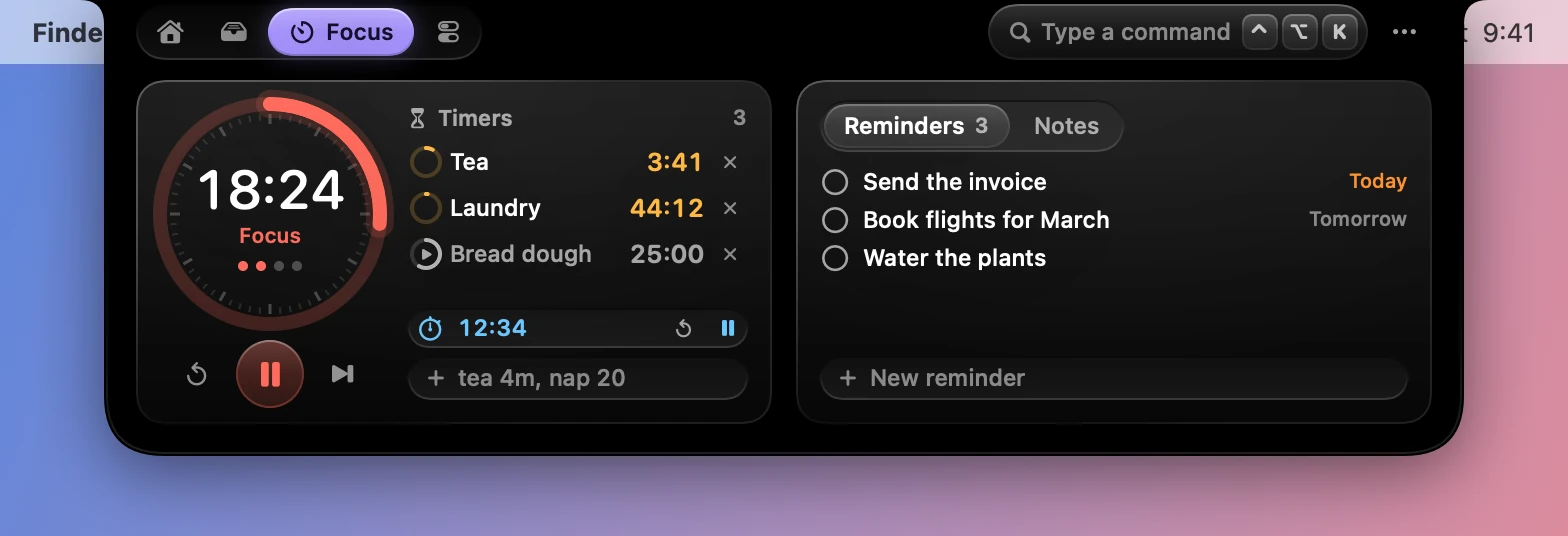
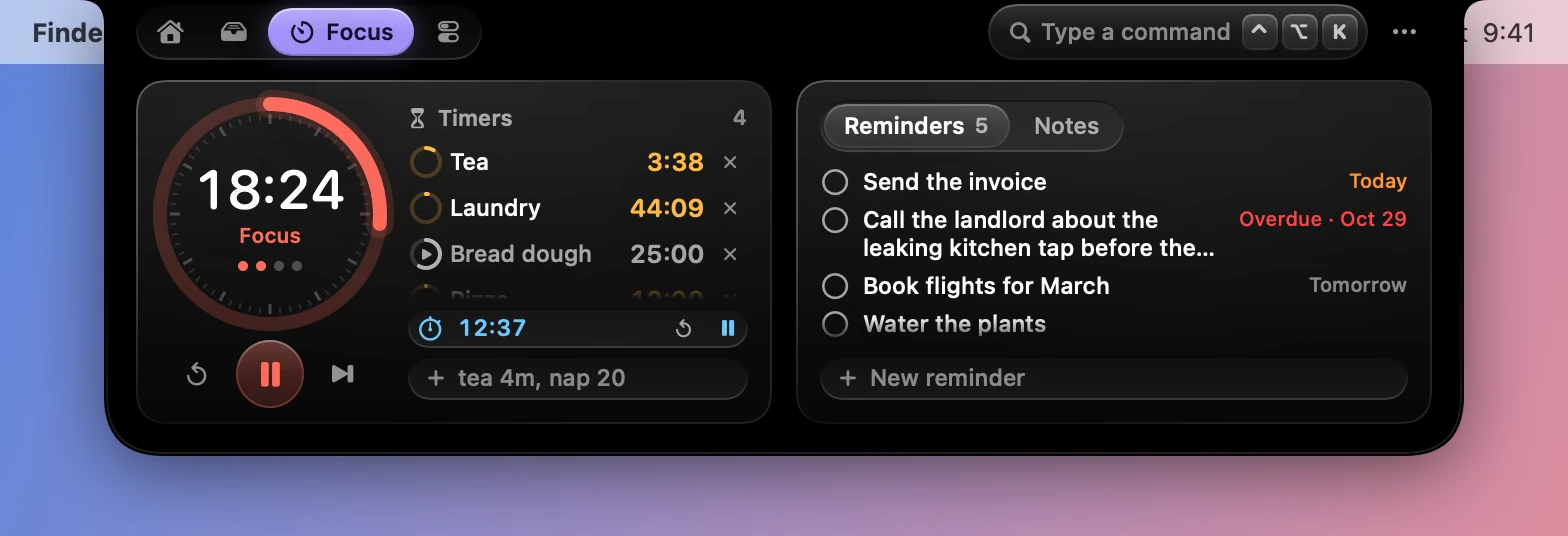
The Focus tab has two cards. The first holds the Pomodoro timer and the named timers. The second switches between Reminders and Notes.
The Pomodoro timer
Focus for a while, take a short break, and after a few sessions take a long one. The dial shows where you are, with the session’s dots under the time. The buttons under it reset, start or pause, and skip to the next phase.
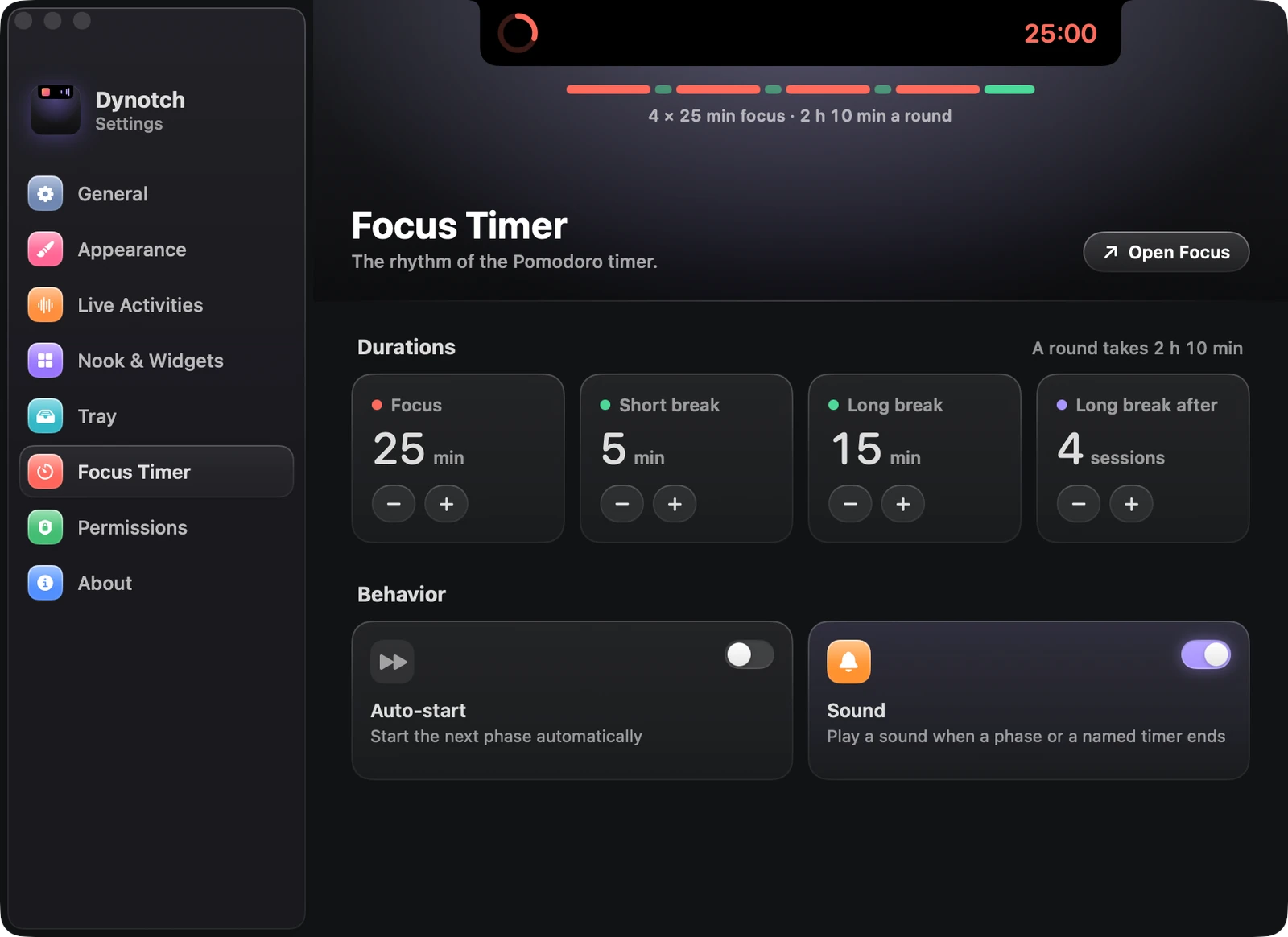
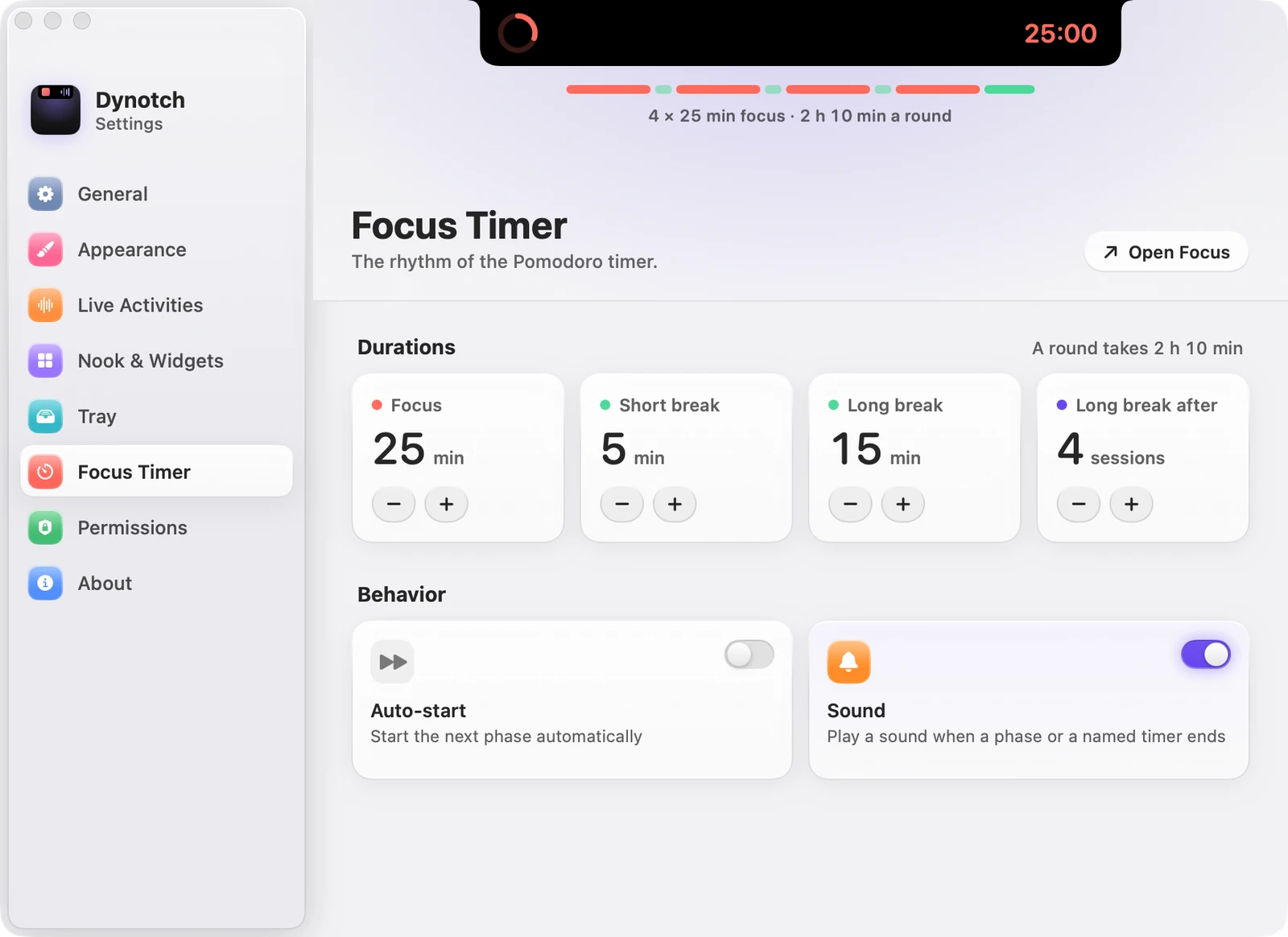
The rhythm is yours to change in Settings›Focus Timer:
| Setting | Range | Starts as |
|---|---|---|
| Focus | 5 to 120 minutes | 25 min |
| Short break | 1 to 30 minutes | 5 min |
| Long break | 5 to 60 minutes | 15 min |
| Long break after | 2 to 8 sessions | 4 sessions |
| Auto-start | Starts the next phase by itself | Off |
| Sound | Plays a sound when a phase or a named timer ends | On |
Named timers
Beside the Pomodoro, type a name and a time to start a timer:
| Type | For |
|---|---|
tea 4m |
4 minutes |
eggs 90s |
90 seconds |
nap 1h30 |
An hour and a half |
laundry 45 |
45 minutes: a number on its own is minutes |
Pause, resume or cancel each one. The closed notch shows the timer that ends soonest, the Pomodoro included, with the next one as a glyph beside it. At zero there’s a notice and a sound.

The stopwatch
The stopwatch sits under the timers, and shows in the closed notch while it runs.
Reminders
The second card lists your Reminders. Check them off, or add a new one at the bottom. It needs the Reminders permission.
Notes
Switch the second card to Notes for several notes with Markdown checklists. Click a box to tick it, and Return continues the list.
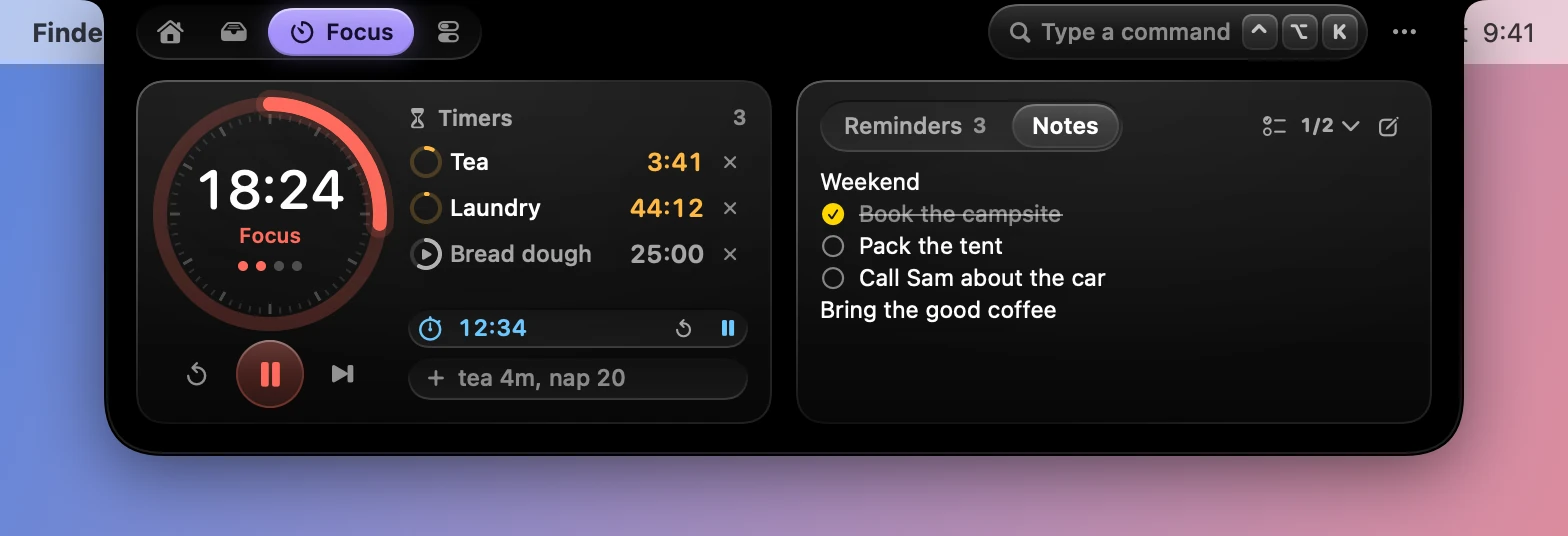
Each note is saved as a .md file named after its first line. Choose where they live in Settings›Nook & Widgets›Notes:
- Use iCloud Drive keeps them in a Dynotch Notes folder, so they sync to your other Macs.
- Choose Folder… puts them anywhere you like.
- Use Dynotch’s Folder goes back to
~/Library/Application Support/Dynotch/Notes.
Changes made on disk show up right away.
Leaving Dynotch’s own folder takes your notes along. Any other folder keeps its notes, because it may hold other Markdown of yours, or be in iCloud Drive for your other Macs. So the next folder starts without them, and the Notes card says where they stayed: Switch Back returns to that folder, and Bring Them Here moves them over.
From elsewhere
dynotch timer startruns the Pomodoro from a script. See The dynotch command.- The command field starts timers and adds notes and reminders from anywhere.