The notch
Glance
Rest the pointer on the notch for what's live, with a control or two.
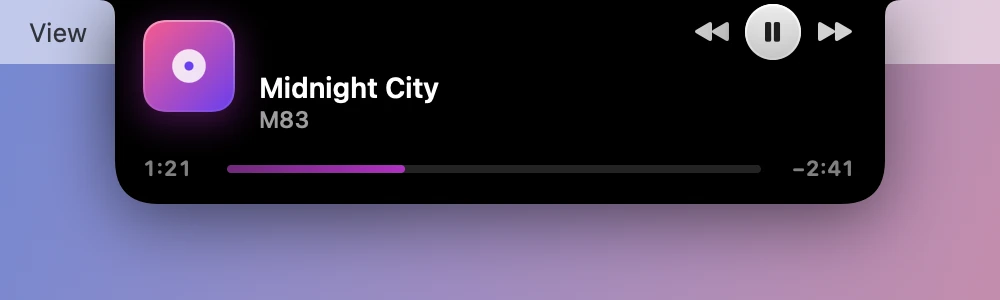
Resting the pointer on the closed notch grows it into a glance. It’s enough to pause the music or check a timer without opening anything, and it goes away when you move off it.
What it shows
It follows the closed notch, with the controls that go with whatever’s there.
| The closed notch shows | The glance shows |
|---|---|
| Music, or a song’s title | The track, with play, pause and skip |
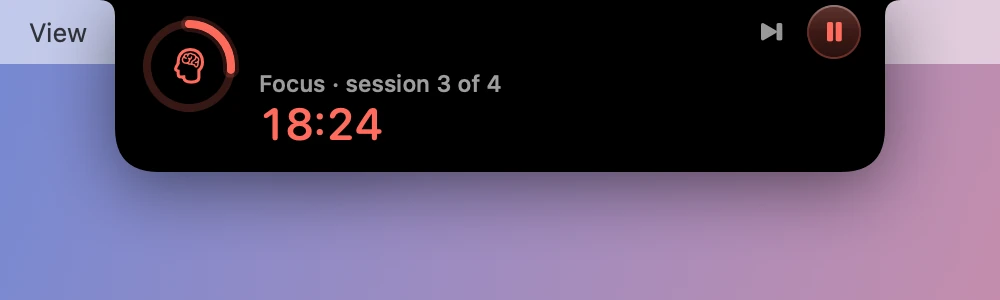
| The Pomodoro | The time left, with skip and pause |
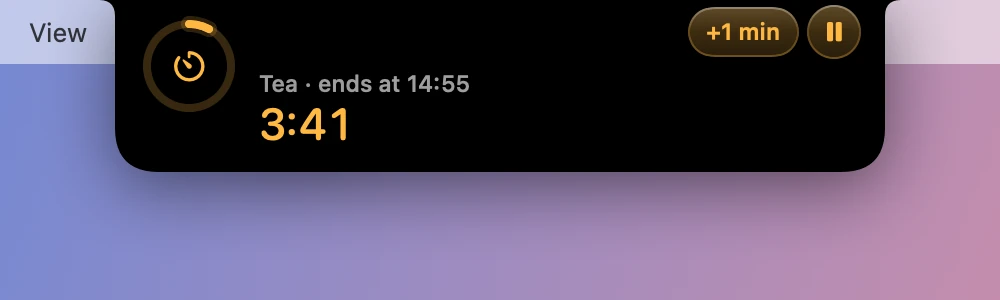
| A named timer | The time left, with +1 min and pause |
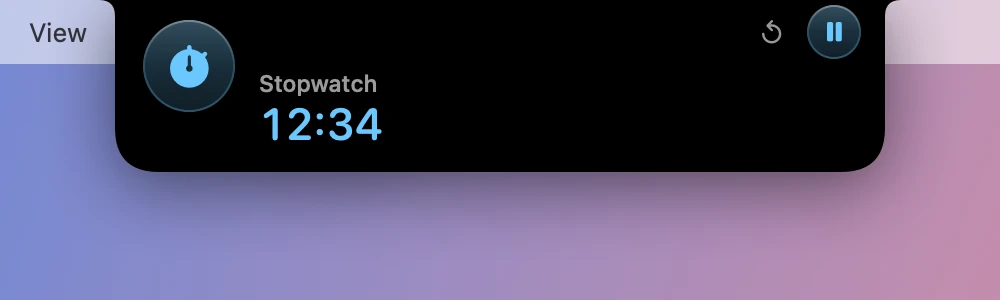
| The stopwatch | The time so far, with reset and pause |
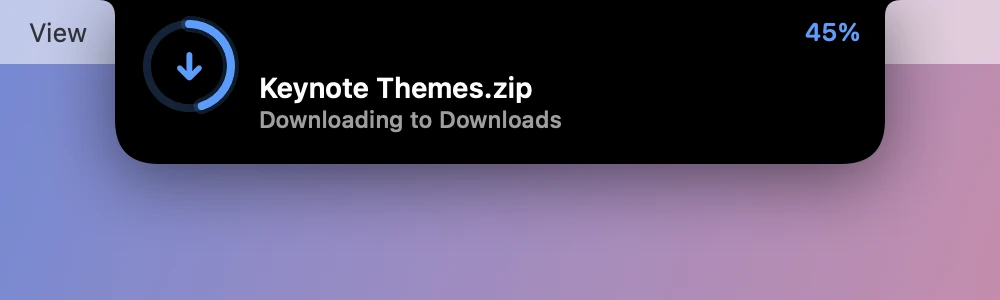
| A download | Its name and progress |
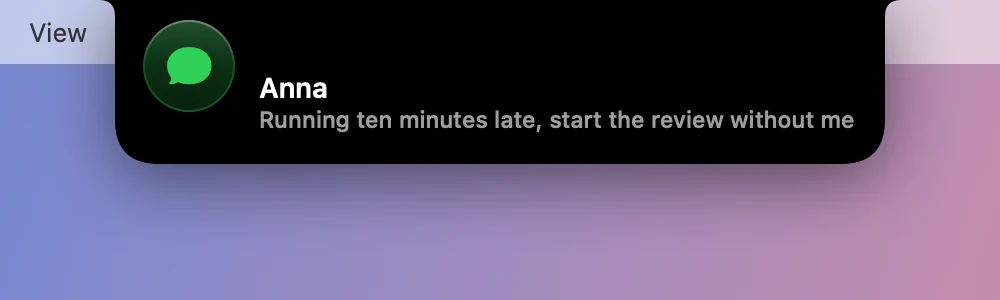
| A notice | The notice |
With the notch empty
With nothing in the closed notch but perhaps a volume or brightness meter, the glance takes the first of these:
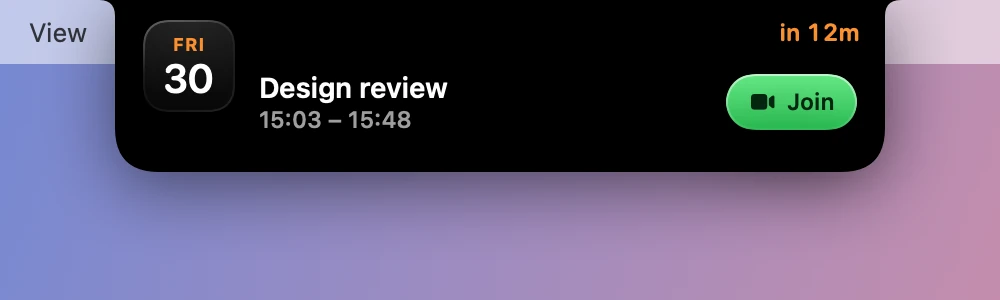
- A timed event that’s on now or starts within 15 minutes, with Join if it has a call link.
- A track that’s loaded, even a paused one.
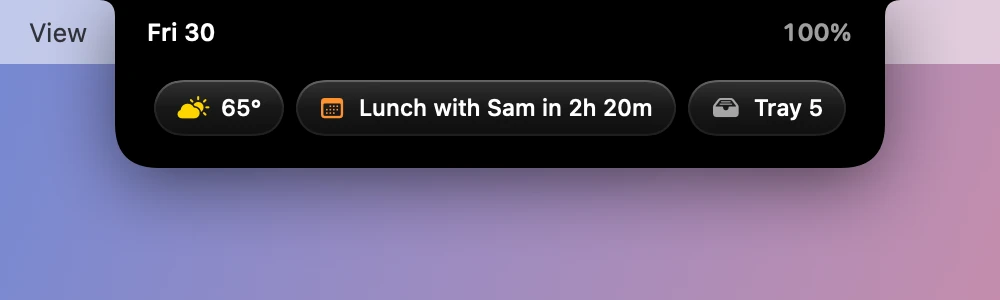
- The day: the date, the battery, the weather, the next event and the Tray, each a click from its tab.
Getting out of it
A click anywhere else on the glance, or a swipe down, opens the whole notch. A swipe up, Esc or moving away closes it.
Turning it off
Settings›General›Hover shows brings back the old behavior: The full notch opens the whole thing on hover, with no glance in between.