The notch
Command field
Timers, notes, reminders, toggles and sums, all from one field.
Press Control Option K from anywhere, or click Type a command in the open notch’s header. With nothing typed, it suggests one of each thing it can do.
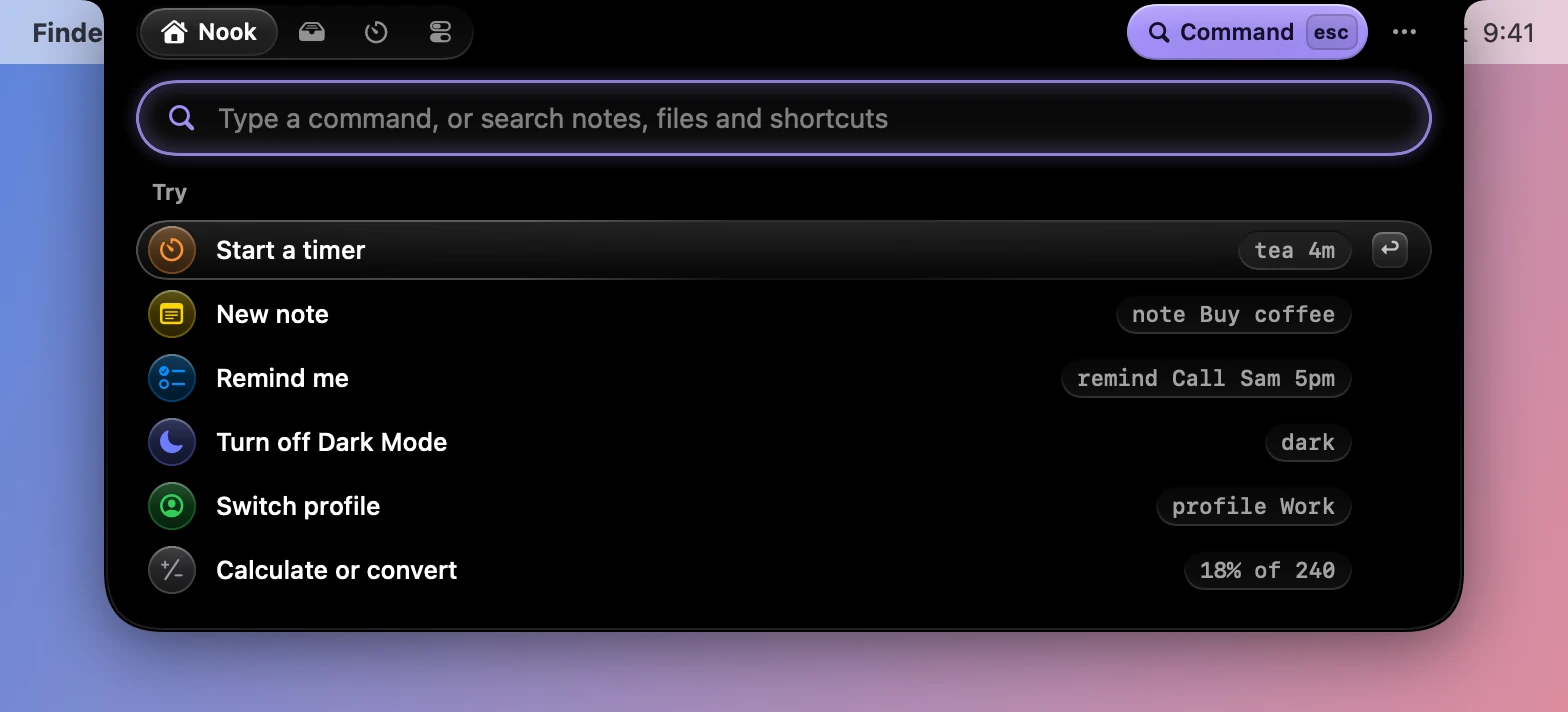
What you can type
| Type | And Dynotch |
|---|---|
tea 4m |
Starts a timer called Tea |
note Buy coffee |
Adds a note |
remind Call Sam 5pm |
Adds a reminder |
18% of 240 |
Answers, and Return copies it |
5 km to mi |
Converts, and Return copies it |
dark |
Flips Dark Mode |
awake |
Keeps the Mac awake |
mute |
Mutes the microphone |
pomodoro |
Starts or pauses a focus session |
stopwatch |
Starts or pauses the stopwatch |
color |
Picks a color from the screen and copies its hex code |
screenshot |
Starts a capture |
sleep |
Sleeps the display |
run Morning routine |
Runs a Shortcut |
Work, or profile Work |
Switches to that profile |
tray, focus, control |
Opens a tab |
settings |
Opens Settings |
It also finds notes and Tray files by what’s in their names and text, so typing a word from a note brings it up.
Timers
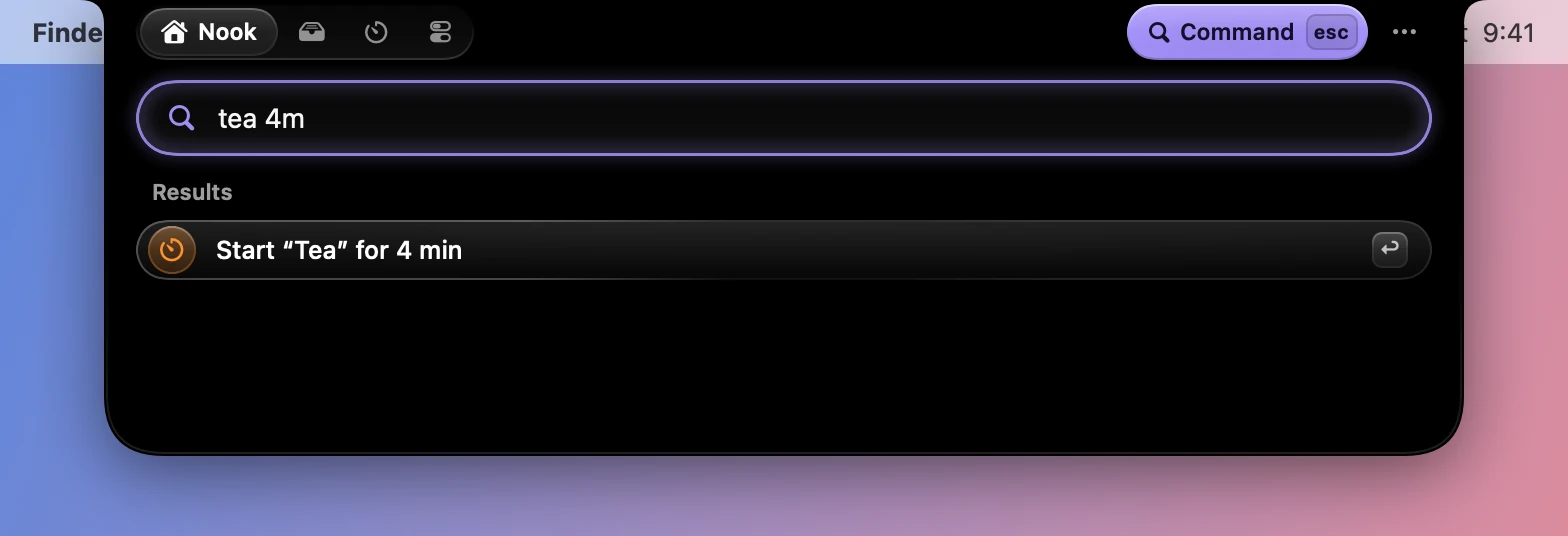
A name and a time starts a timer. eggs 90s, nap 1h30 and laundry 45 all work, and a number on its own means minutes. Timers run up to 24 hours. See Focus.
Reminders
The time comes out of the title, so remind Call Sam 5pm makes a reminder called “Call Sam”, due at five. A time that’s passed means tomorrow.
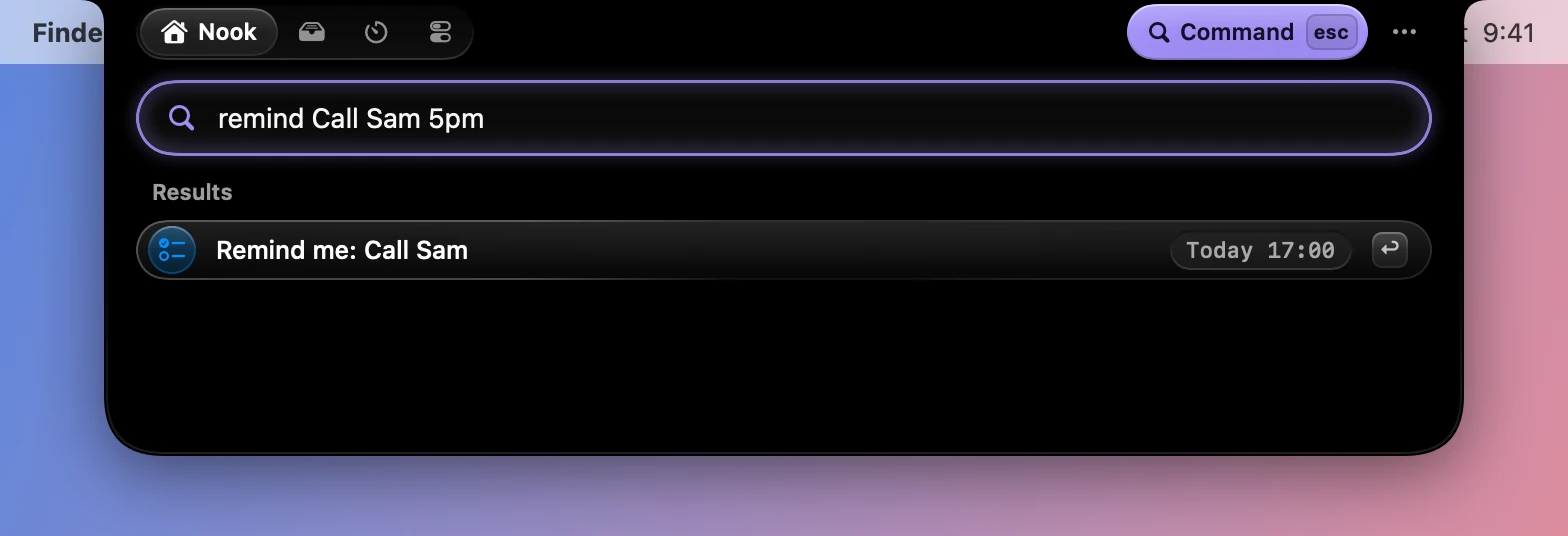
The reminder goes to the Reminders app, so it needs the Reminders permission. The field asks for it the first time.
Sums and conversions
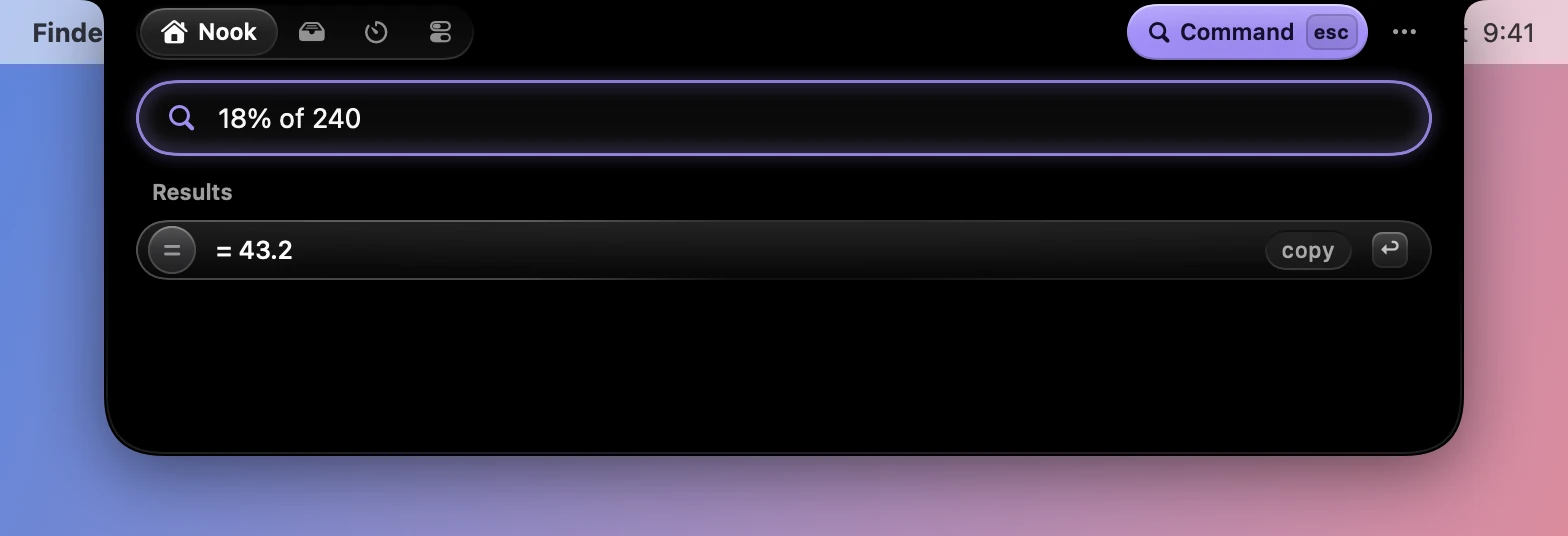
Answers show up as you type, and Return copies them.
Moving around
| Key | What it does |
|---|---|
| Up arrow Down arrow | Picks a row |
| Return | Runs it |
| Esc | Clears what’s typed, and then leaves |
Turning it off
Open it with Control Option K in Settings›General›Command field turns off the shortcut. The field is still there in the open notch’s header.