Features
Audio and keys
A live equalizer, your own volume HUD, track gestures and outputs.
Gestures
| Gesture | Where | What it does |
|---|---|---|
| Swipe two fingers left | The closed notch, or the open notch’s header | Next track |
| Swipe two fingers right | The closed notch, or the open notch’s header | Previous track |
| Scroll | The artwork in the Nook | Changes the volume |
Over the rest of the open notch, the same sideways swipe moves between tabs, unless what’s under the pointer scrolls sideways itself, like the Tray’s strip of files once it runs over.
Outputs
The output button beside the player lists the Mac’s outputs (speakers, headphones, displays, Bluetooth) and switches the default output. AirPlay speakers and TVs come from AVKit’s AirPlay picker in the same list.
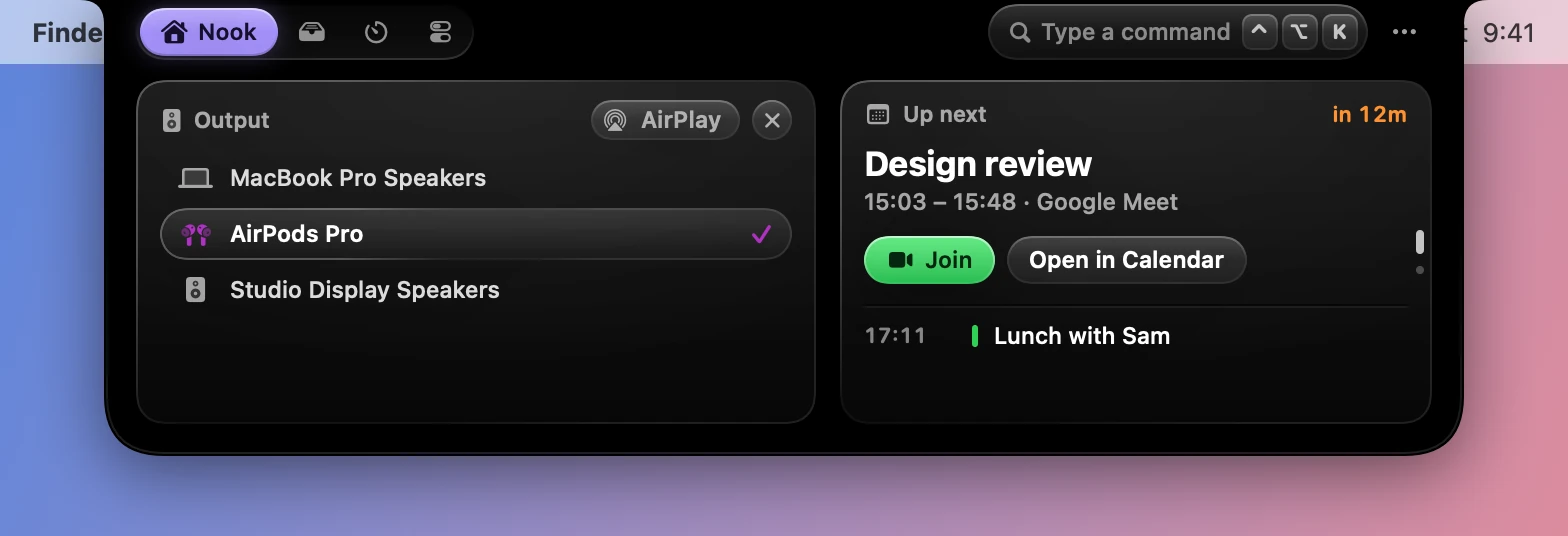
The Control tab has a menu of the same outputs under its sound slider, without AirPlay.
Live equalizer
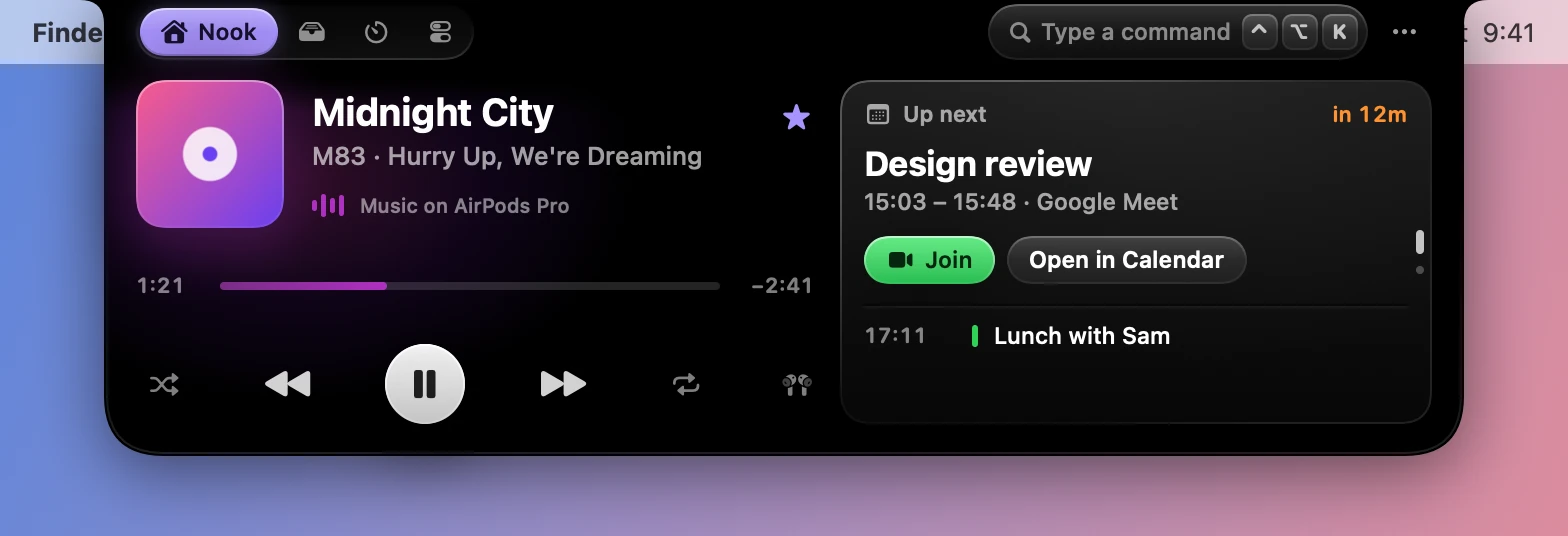
The equalizer bars are decorative until you turn on Live equalizer in Settings›Live Activities›Equalizer and keys. Then a Core Audio process tap listens to Music or Spotify, only while it plays and some bars are on screen, and splits the sound into four bands.
It needs macOS 14.2 or later and the System Audio Recording permission. Nothing is recorded.
Replace system HUD
With Replace system HUD on, in the same section, Dynotch takes over the volume, mute and brightness keys, so only its meter shows, even at either end of the range.

- Each press moves a sixteenth of the range, and a sixty-fourth with Shift Option held.
- Keys Dynotch can’t handle, like an output without a volume control or an external display, go to macOS as usual.
- It needs Accessibility, which it asks for when you turn it on.
- It needs Volume & brightness on as well.
Without it, the volume and brightness HUD appears alongside the system one.