Make it yours
Appearance
The size and finish of the open notch.
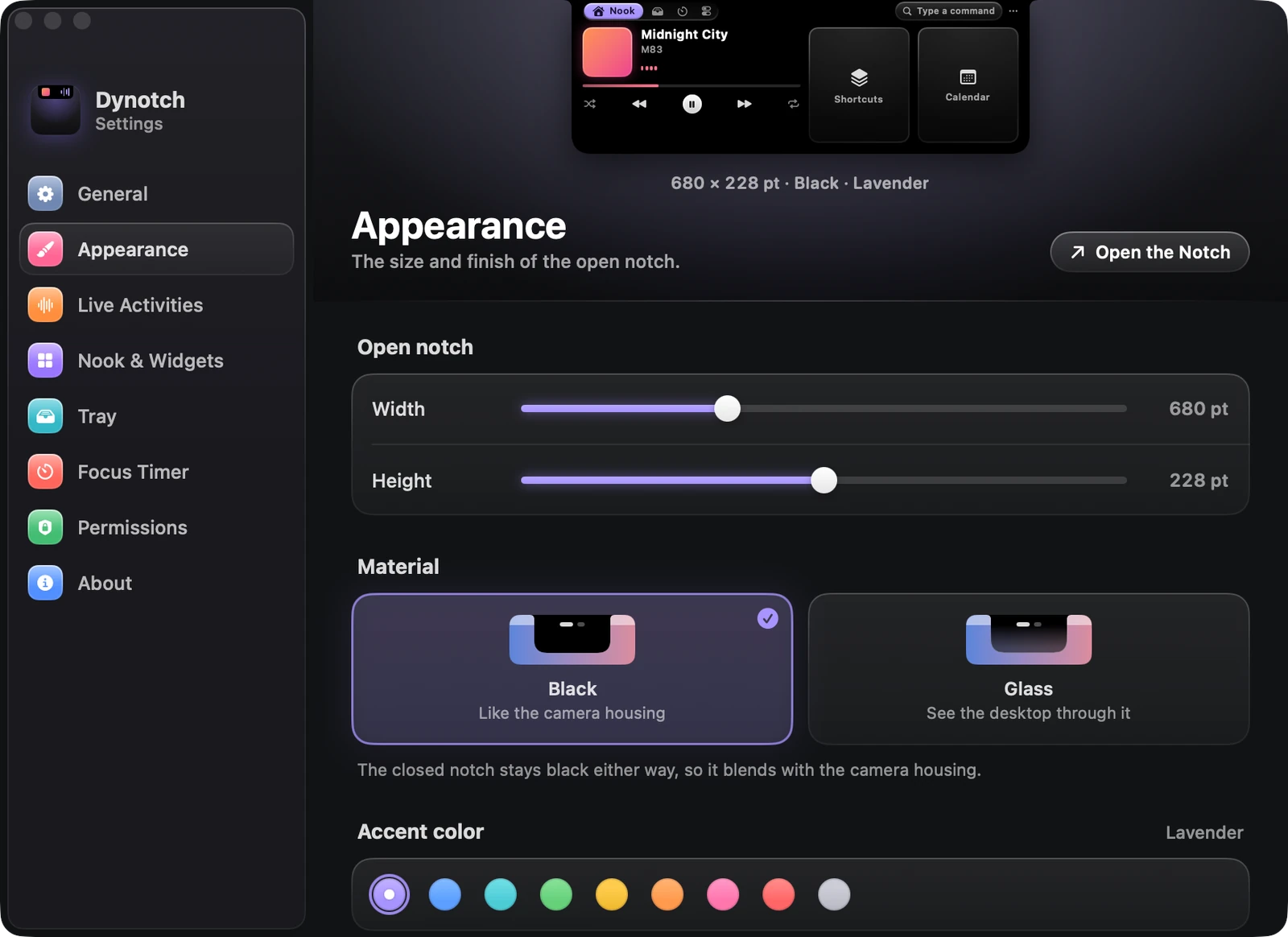
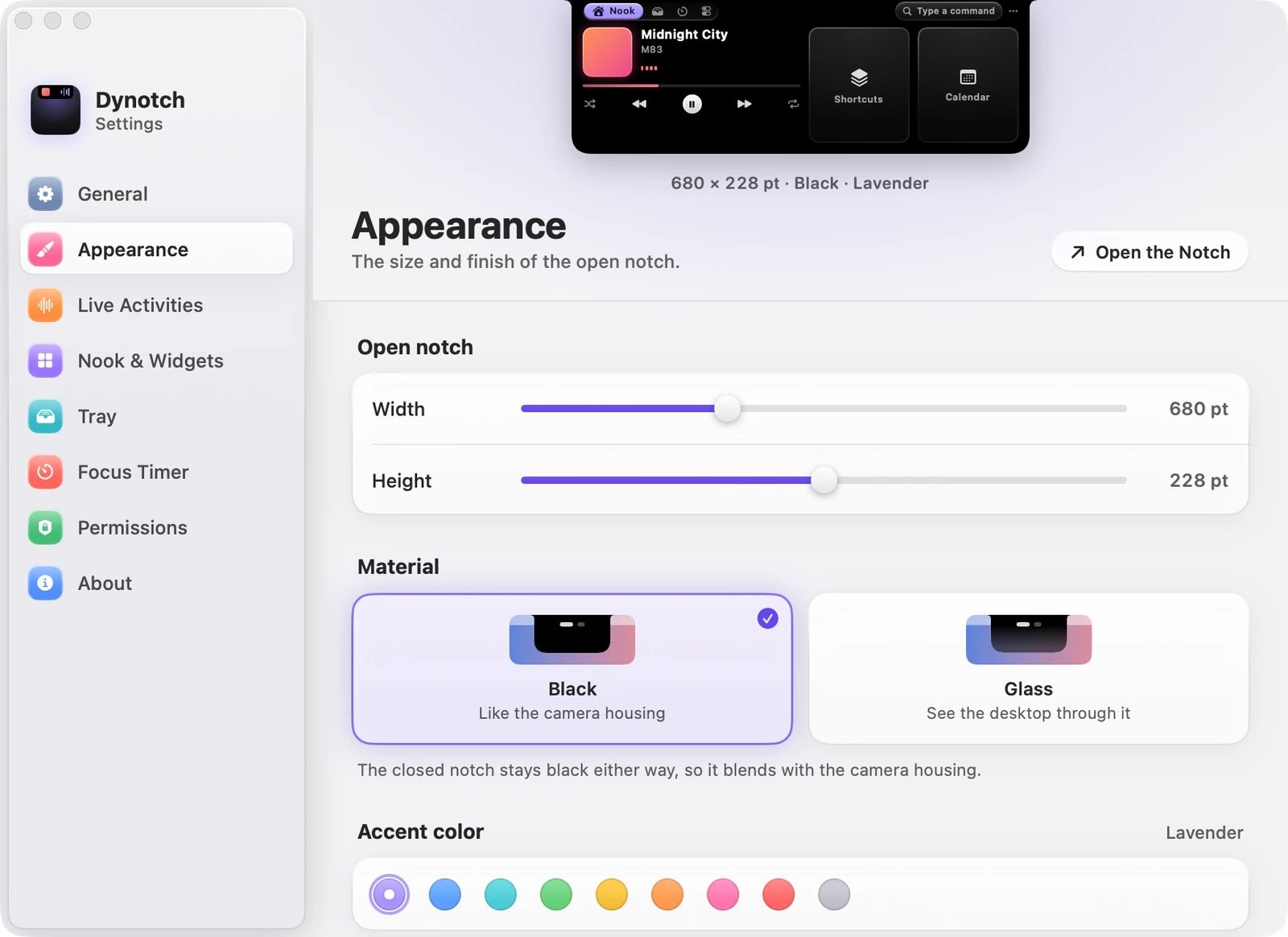
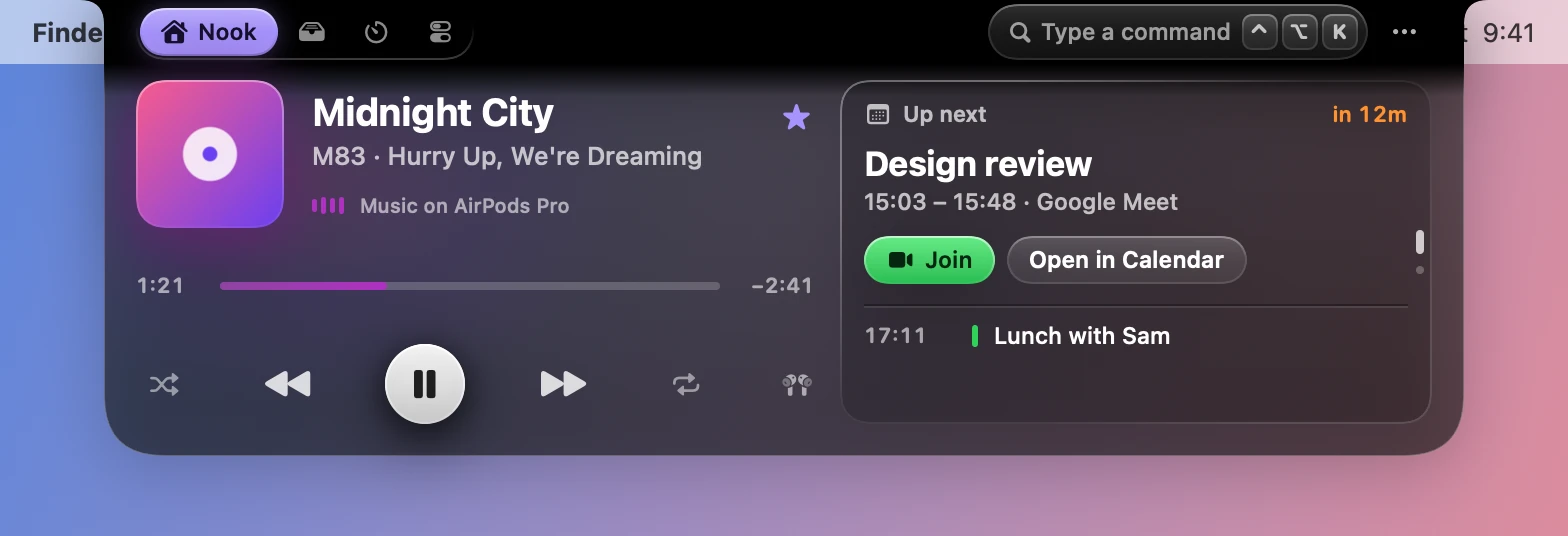
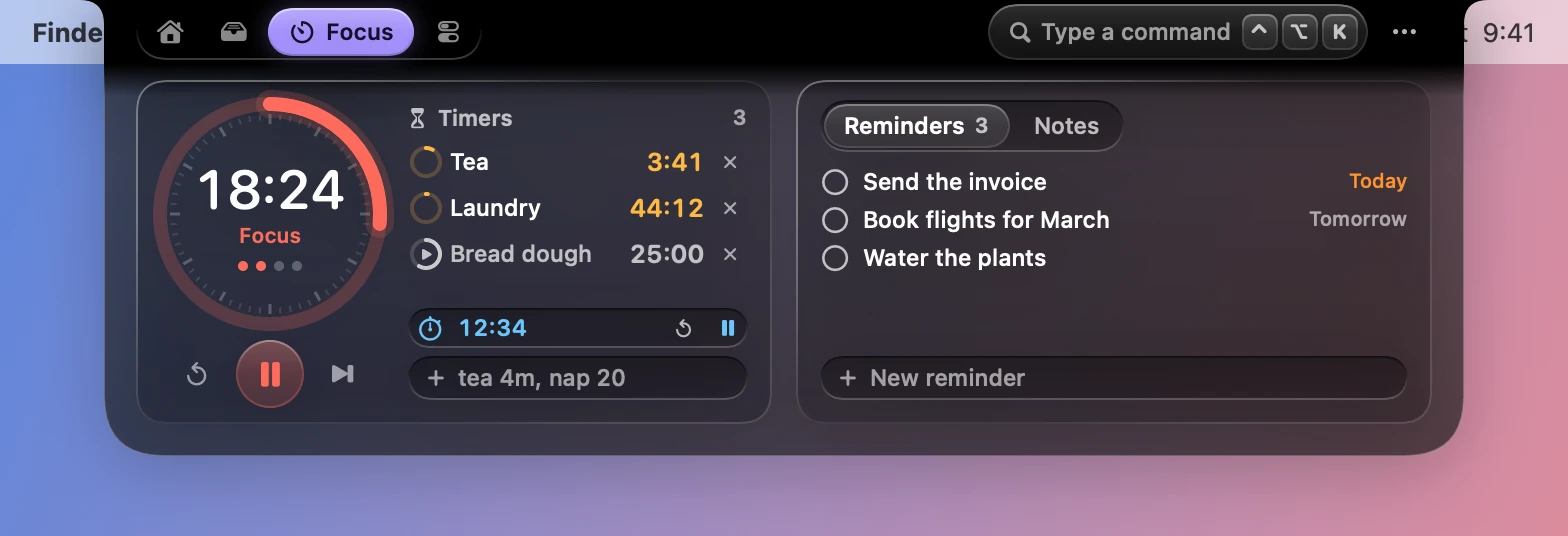
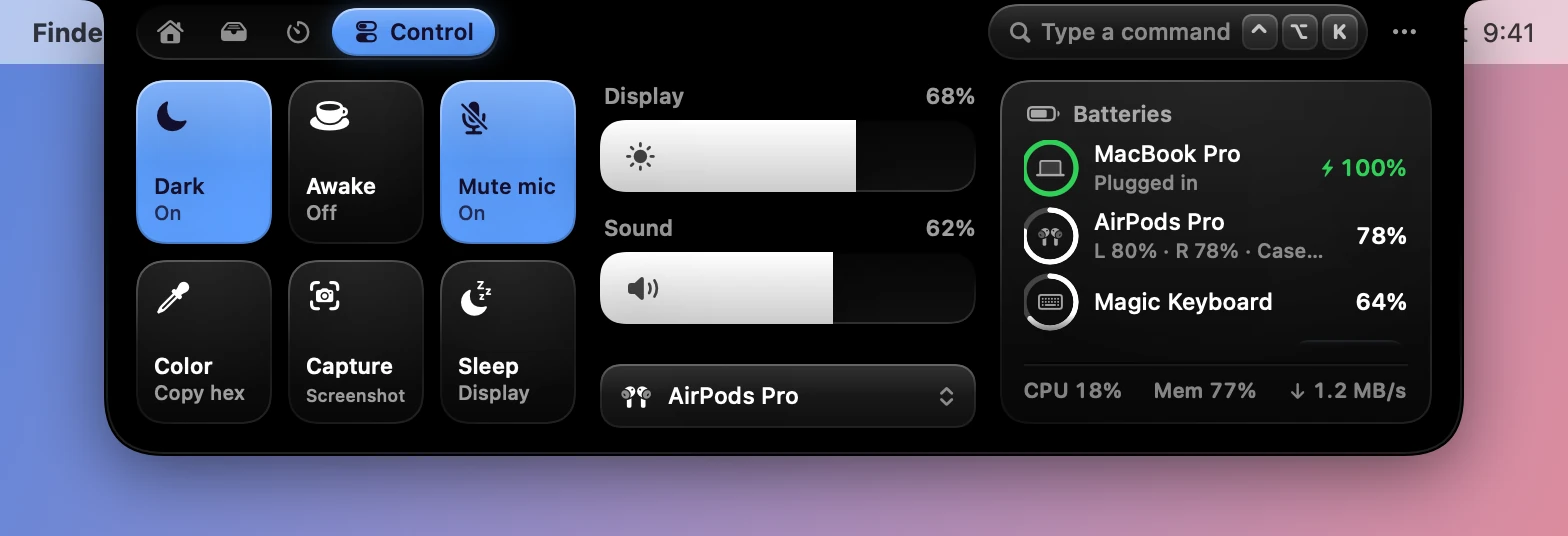
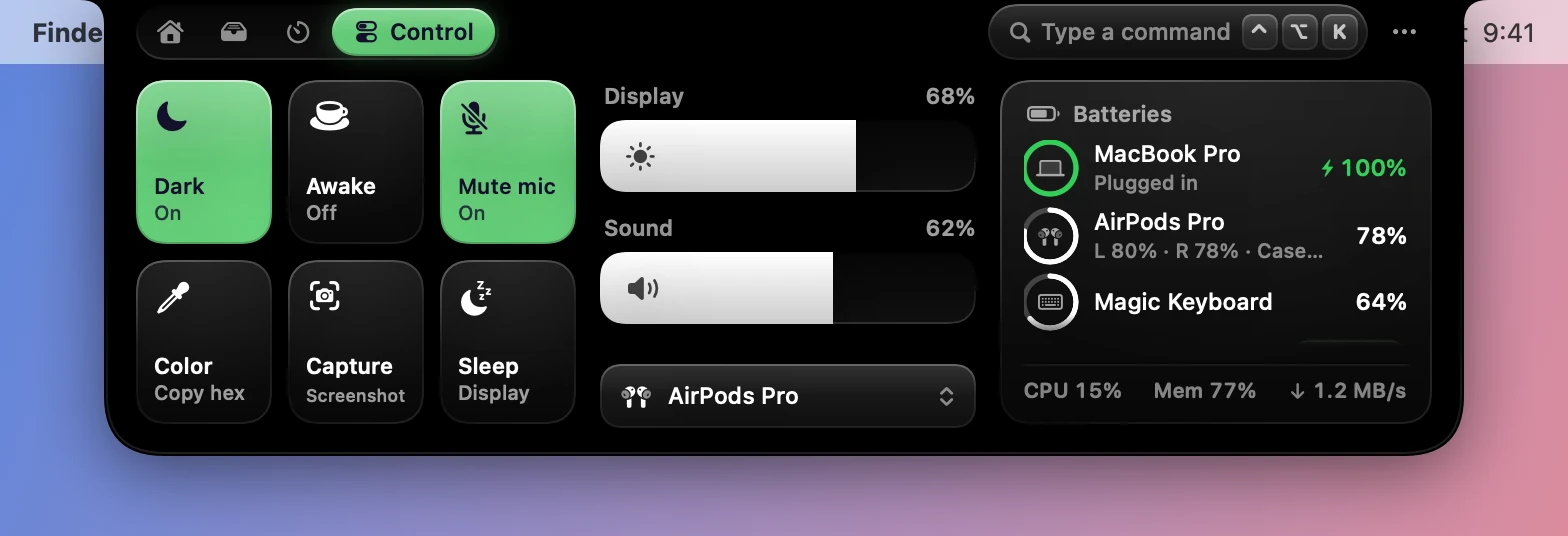
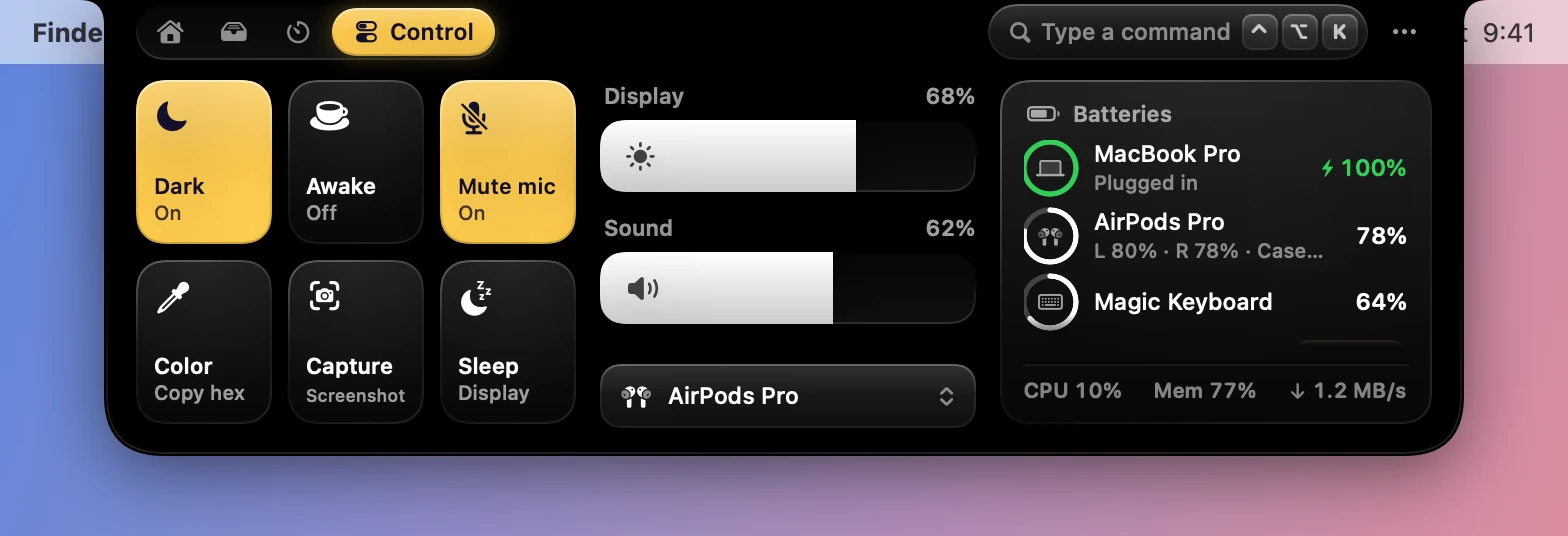
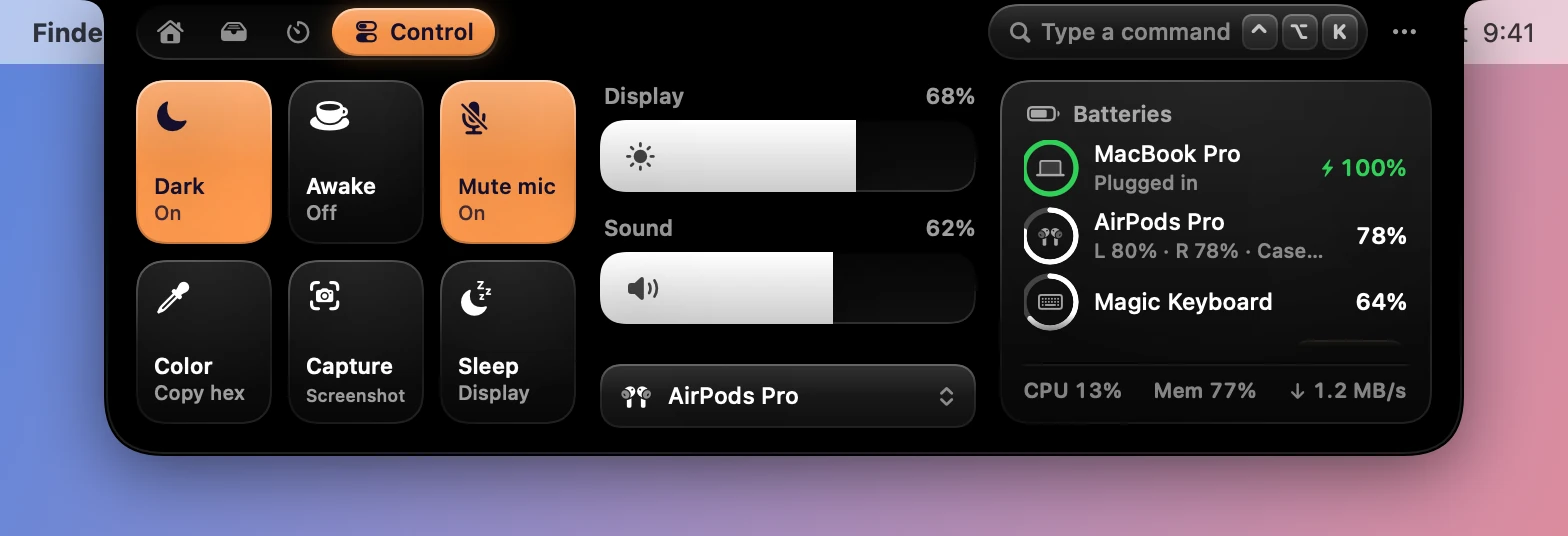
Settings›Appearance changes what the open notch is made of, its accent color, its size and how round it is. The model notch at the top of the page shows each change. The closed notch stays black, so it blends with the camera housing.
Size
| Setting | Range | Starts as |
|---|---|---|
| Width | 600 to 840 points | 680 pt |
| Height | 196 to 260 points | 228 pt |
Layouts fit at every size, and long lists scroll.
Material
Black is like the camera housing. Glass is Liquid Glass, on macOS 26 and later: you see the desktop through it, and it stays black along the top, where it meets the camera.
Accent color
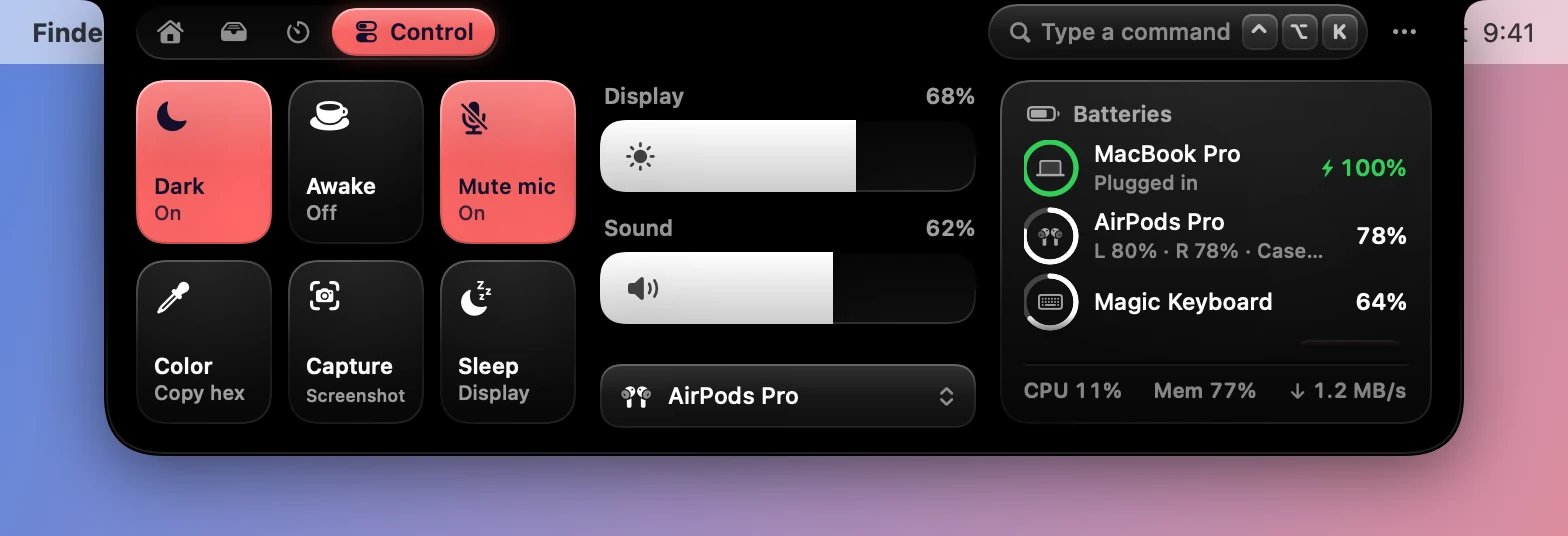
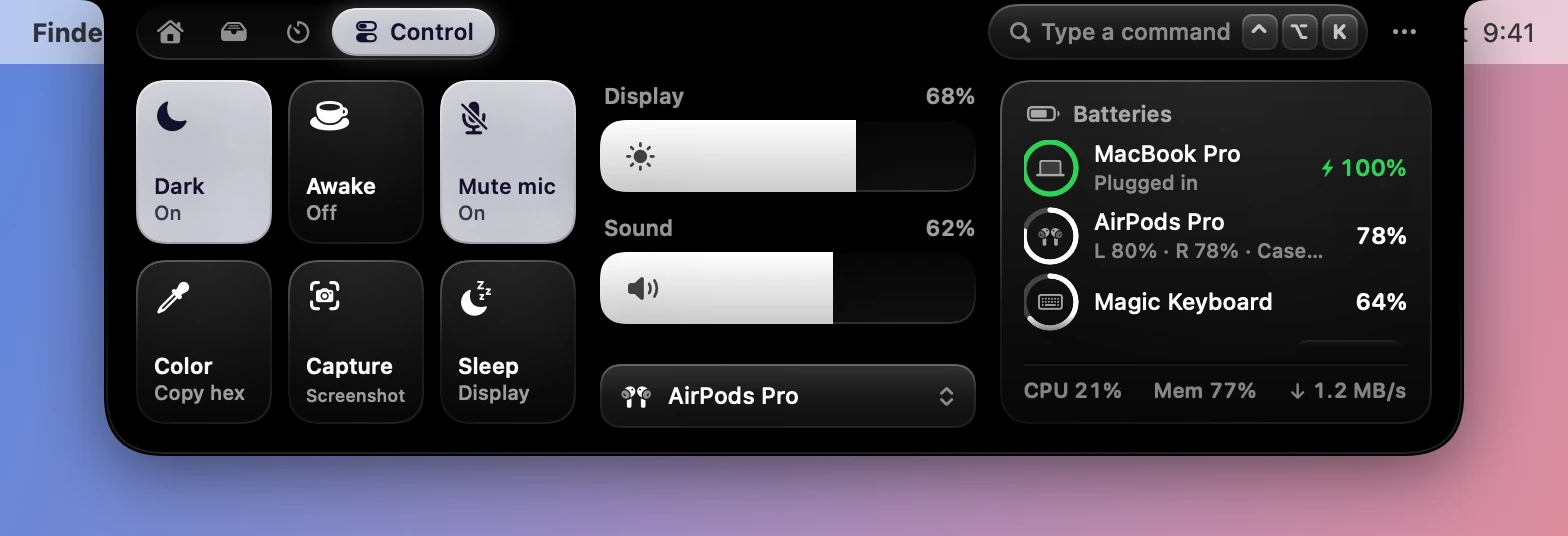
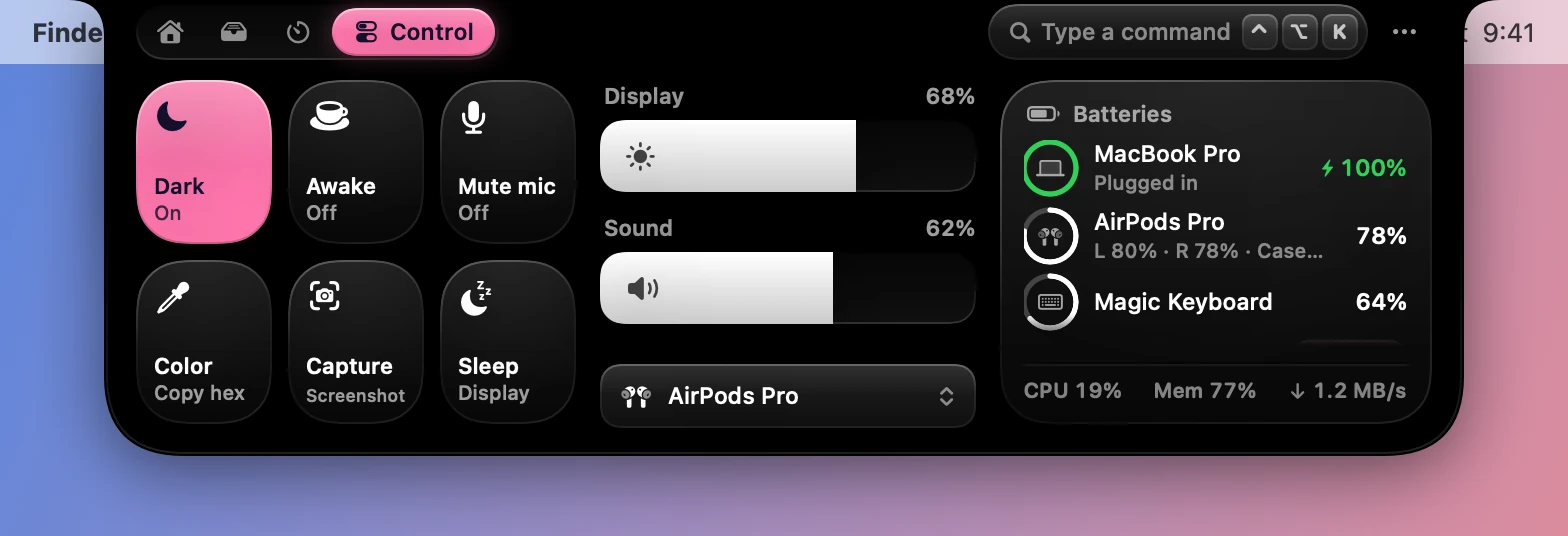
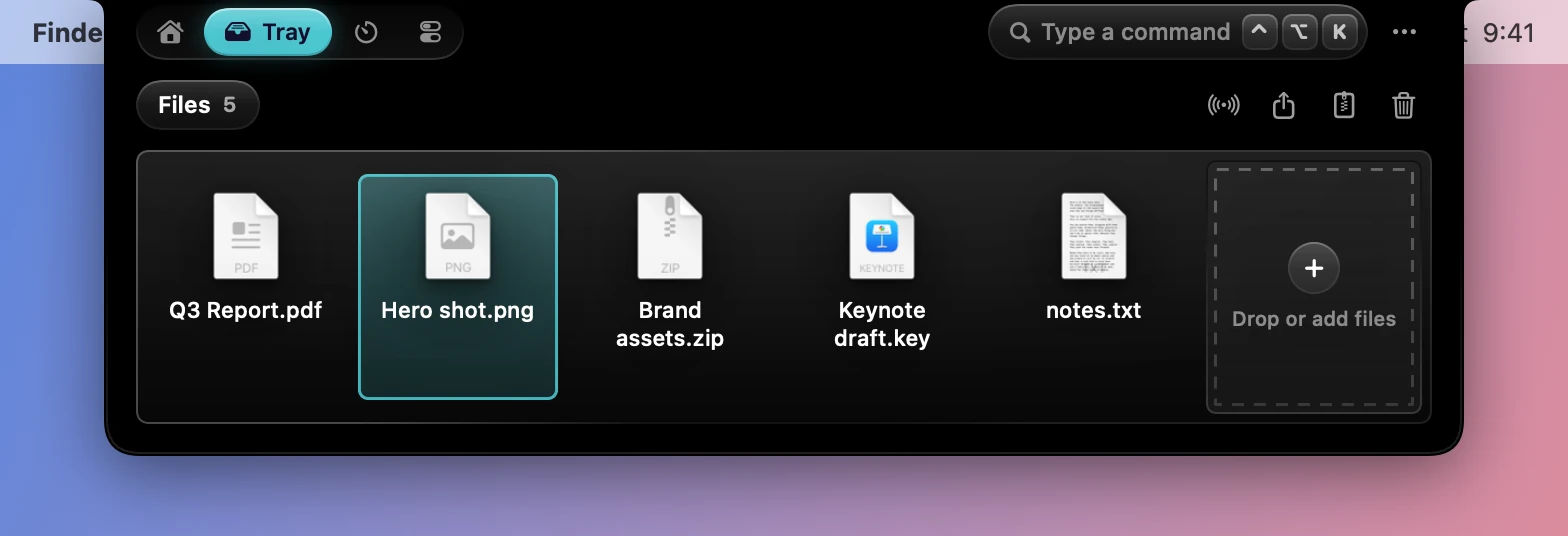
The accent is for the selected tab, selections and buttons, and for the player while Artwork tint is off. There are nine: Lavender, Blue, Teal, Green, Yellow, Orange, Pink, Red and Graphite.
Corners
| Setting | Range | Starts as |
|---|---|---|
| Top | 6 to 20 points | 12 pt |
| Bottom | 16 to 40 points | 30 pt |
The top is where the notch meets the edge of the screen. The cards inside round off with its bottom corners.
Style
| Setting | What it does | Starts as |
|---|---|---|
| Artwork tint | Colors the player with the album art instead of the accent | On |
| Shadow | A soft shadow under the open notch | On |
Accessibility settings
Dynotch follows three of the system’s. With Reduce Motion on, what’s inside the notch fades instead of sliding, though the notch itself still grows. Increase Contrast brings up its quieter text, tracks and lit edges. Reduce Transparency keeps the open notch black, even with Glass chosen.